Desktop Software

Desktop Applications
& Custom Software

Production-ready Windows desktop applications, utility software, and specialized tools — built, packaged, and shipped. Not prototype demos. Actual software people download and use daily.

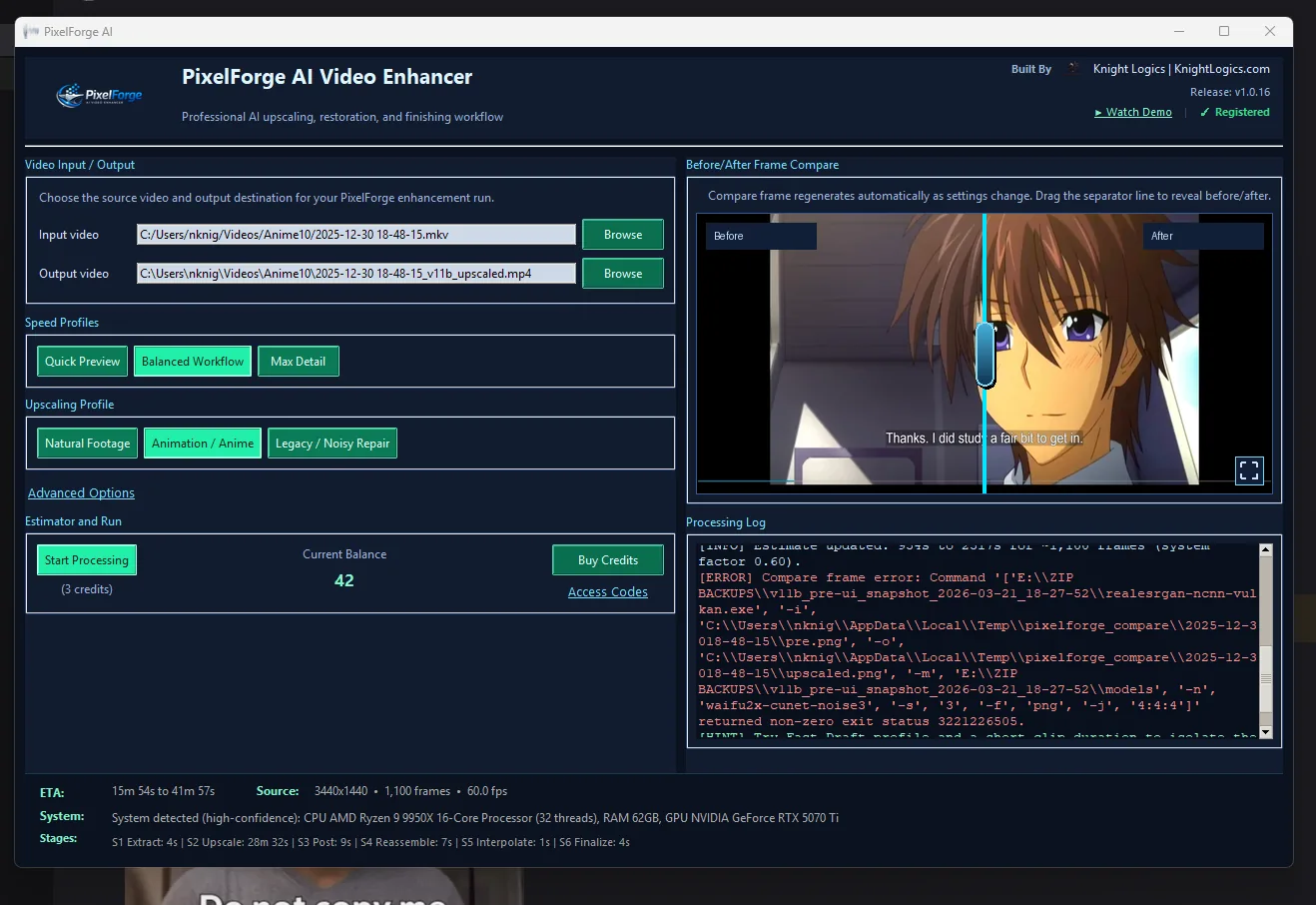
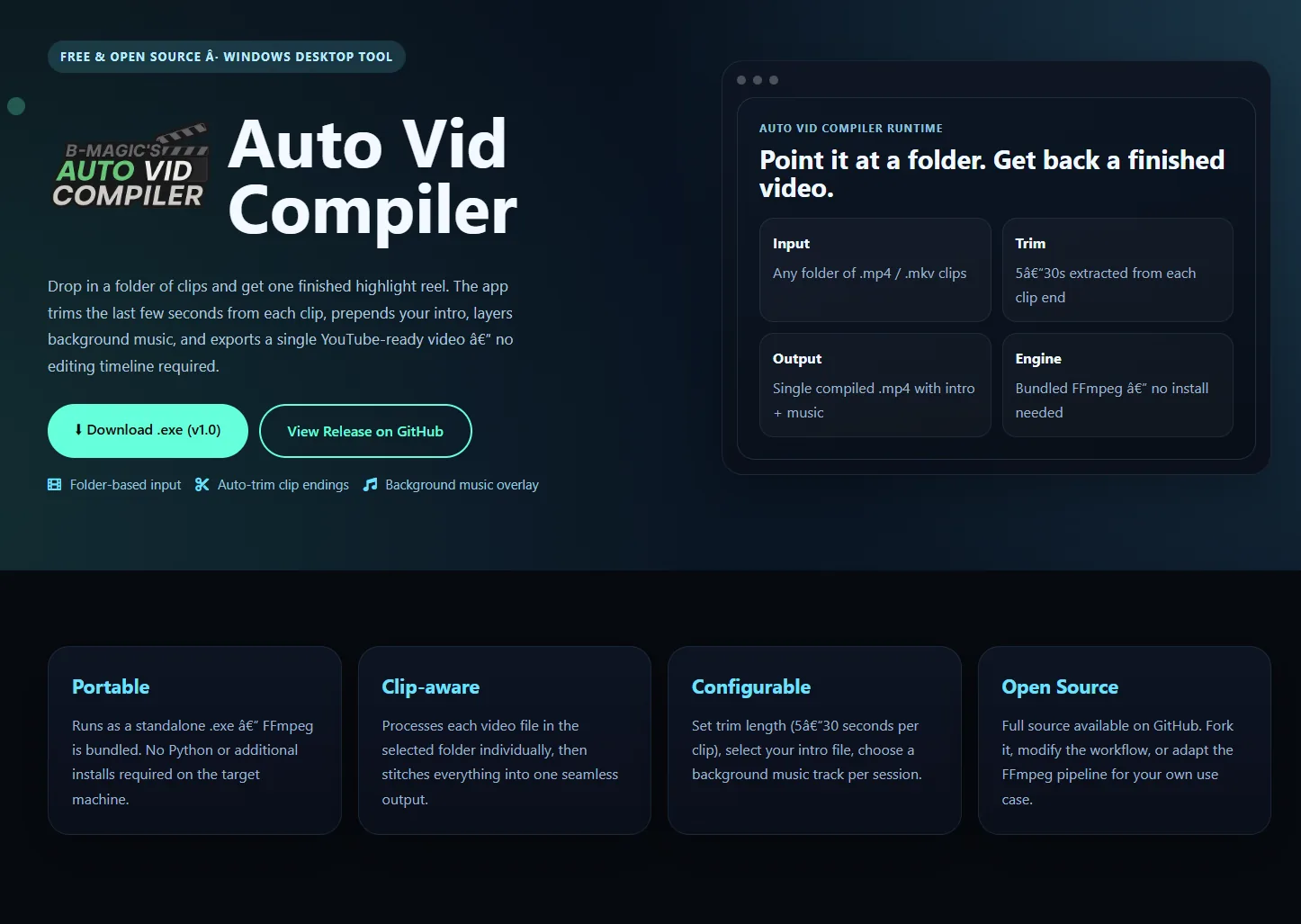
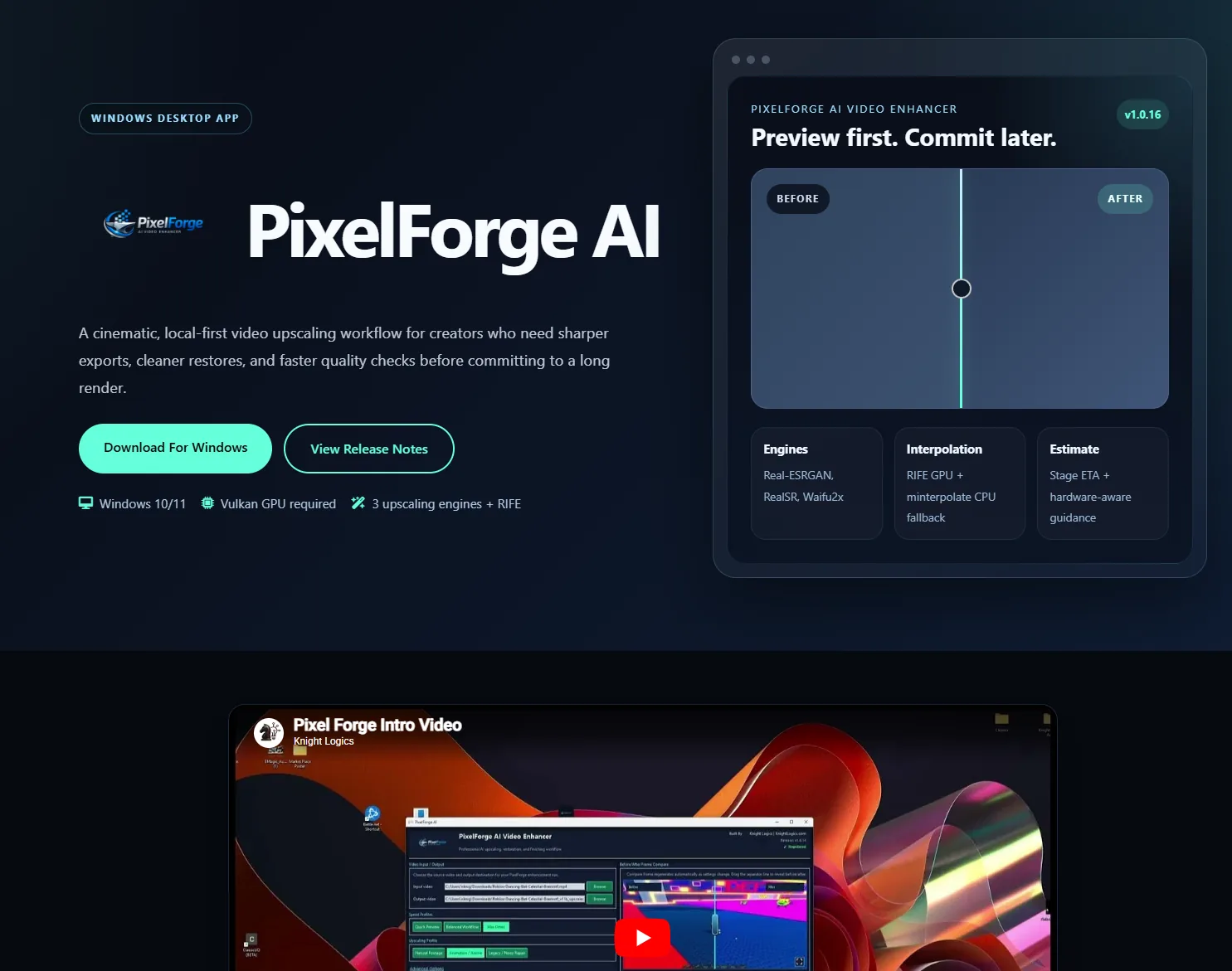
3+ Shipped desktop applications
Windows Primary deployment platform
GitHub Releases & distribution pipeline
Python Primary stack, PyInstaller packaged

Shipped Products

These aren't concept projects — they're live applications with GitHub releases, versioned builds, and real users.

What's Included

From first prototype to distributable release — the full software development lifecycle handled in one engagement.

Windows Desktop Development

Python-based desktop applications with Tkinter, PyQt, or custom UI frameworks. Tray integration, background services, multi-window support, and system-level access.

PyInstaller Packaging

Self-contained EXE builds with PyInstaller — no Python install required on the end user's machine. Single-file or folder builds depending on app architecture.

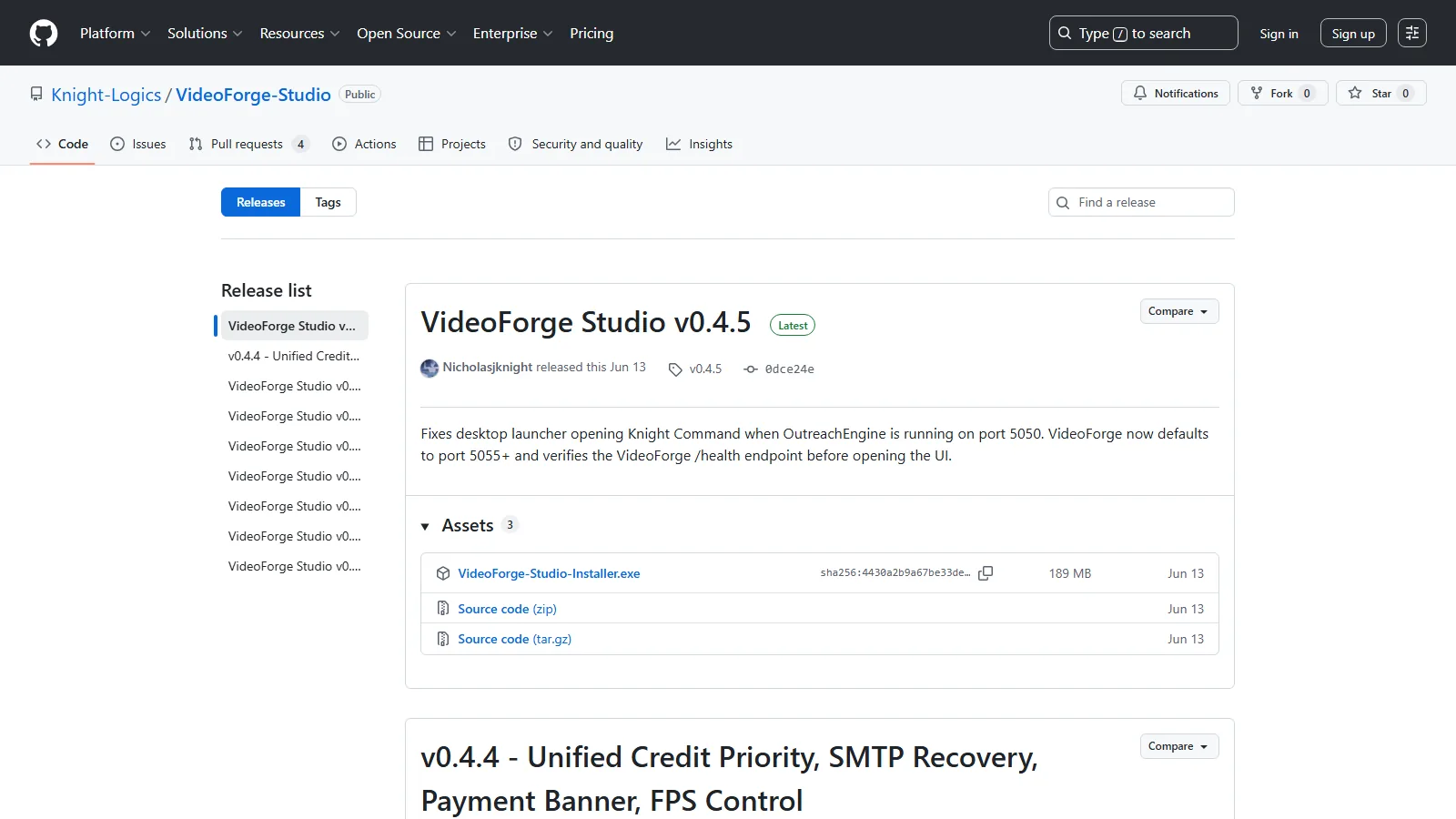
GitHub Releases Distribution

Versioned releases with changelog, tagged builds, and asset uploads to GitHub Releases. Direct download links for end users without needing a separate distribution platform.

Installer (Inno Setup)

Professional Windows installer with Inno Setup — Start Menu shortcuts, APPDATA config storage, uninstaller, and optional silent install mode for enterprise deployment.

Update-Aware Architecture

Apps built with version-checking and GitHub Releases polling so users can be notified of new versions without requiring a separate update service.

Documentation & Spec

README, CHANGELOG, build commands, and architecture notes — so you understand the project and can hand it to another developer if needed without starting over.

From Concept to Release

A deliberate path from working prototype to a distributable, maintainable application.

1

Speccing

Define what the app does, what it doesn't do, and what "shipped" means — before a prototype is built.

2

Prototype

Minimal working build to validate core functionality. Fast to make, fast to throw away if the approach is wrong.

3

Production Build

Error handling, config persistence, tray/installer integration, and edge case coverage added before packaging.

4

Package & Test

PyInstaller build, installer generation, and clean-install testing on a fresh Windows environment to catch dependency issues.

5

Release

GitHub Release tagged, asset uploaded, README and CHANGELOG updated. Ready to share or distribute publicly.

Desktop App FAQs

Common questions from businesses before commissioning a custom Windows application.

How much does a custom desktop app cost?

Simple single-purpose Windows tools start in the mid four figures. Applications with databases, multi-user access, installer packaging, and auto-update systems run higher. A scoped quote is provided after a discovery call — no surprises.

What technology do you use to build desktop apps?

Python with PyInstaller for Windows executables, Flask or Electron for hybrid desktop-web apps, and PowerShell for system-level automation tools. The stack is chosen for reliability and maintainability — not trend chasing.

Will the app run without an internet connection?

Yes, if that's a requirement. Offline-capable apps with local SQLite or file-based storage are a core strength of custom executables versus web apps. Internet connectivity can be optional or required depending on what the app does.

Can it be distributed to multiple machines or users?

Yes. Builds are packaged with Inno Setup into a standard installer (.exe) that can be distributed, deployed via network share, or put on GitHub Releases. Licensing, activation, and auto-update logic can be built in as needed.

Have a Software Idea?

If you have a workflow that needs a real Windows application — not a web app, not a browser extension, but actual desktop software — let's talk scope. I've shipped real products and know what it takes to get from idea to installer.