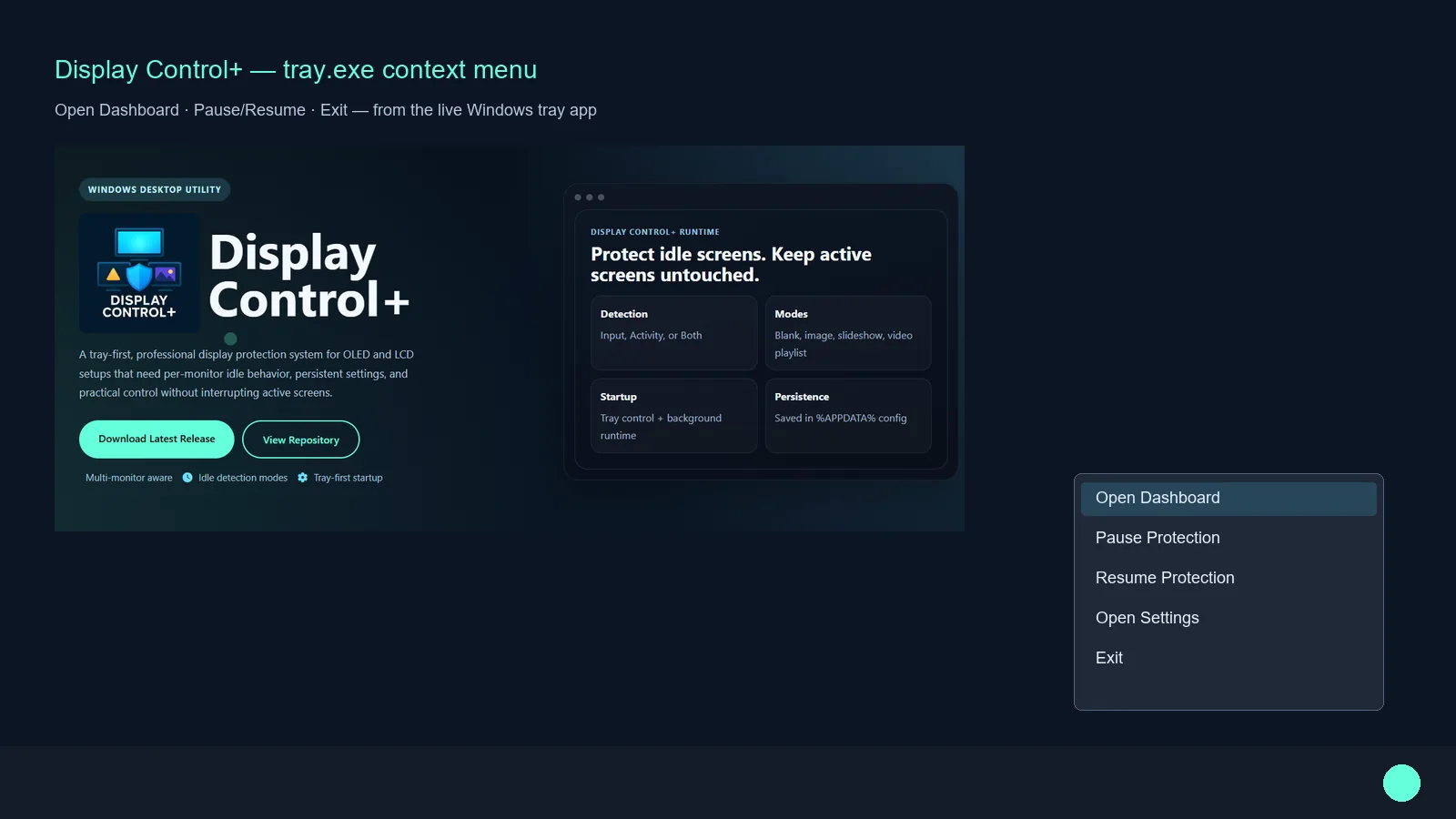
Each display can follow its own protection behavior instead of forcing a single global idle rule.
A tray-first, professional display protection system for OLED and LCD setups that need per-monitor idle behavior, persistent settings, and practical control without interrupting active screens.
Display Control+ Runtime
A full product walkthrough is planned, similar to the PixelForge AI page. This section is already staged so your YouTube embed can be dropped in as soon as the video is published.
Ready for your future Display Control+ demo video embed.
Subscribe For Release VideoEach display can follow its own protection behavior instead of forcing a single global idle rule.
Users run tray.exe and control runtime behavior from the system tray without reopening full setup windows.
Configuration is saved in AppData, so settings survive restarts and maintain expected behavior over time.
Packaged with PyInstaller and distributed through GitHub Releases with update-aware workflow support.
Display Control+ is designed around real workstation behavior where one monitor can stay active while another needs protection.
Apply protection selectively by monitor with configurable idle thresholds and independent overlay behavior.
Choose Input, Activity, or Both depending on whether movement, pixel change, or combined signals should control activation.
Use blank overlays, single image assets, slideshow rotation, or video playlists depending on your protection strategy.
Protection settings and selected media paths persist through reboots using AppData-backed configuration.
The intended release path starts with tray.exe. Users open the dashboard from the tray only when they want to change monitor selection, timeout behavior, or media mode.
Simple onboarding path designed for non-technical users and production workstations.
Download the latest build and keep release files together in the same folder when using portable assets.
Use the tray app as the primary entry point for daily runtime behavior and quick control actions.
Select displays, choose timeout and detection mode, then pick a protection overlay workflow.
Save settings and let protection continue via tray-managed background behavior across sessions.
Display Control+ is distributed as a professional Windows desktop product with installer and portable workflows, active release updates, and legal documentation for commercial usage.
This software follows Knight Logics licensing and terms documentation included in the repository and packaged release assets.
Knight Logics builds practical, production-minded tools for real operational pain points.