Two lanes: managed Growth vs one-time Automation Build
Managed Growth Systems combine an approved website scope with ongoing operations, or keep your suitable existing site through a Systems Only lane. One-Time Automation Build is a scoped $500–$10,000+ project that we document and hand off without a Growth retainer label.
Managed · SETUP + MONTHLY
Growth Starter — Website + Systems
An approved Local- or Authority-equivalent website scope, lead capture and follow-up, plus baseline monthly monitoring.
From $5,000 setup + $397/mo
Managed · SETUP + MONTHLY
Full Growth System — Website + Systems
An approved website scope with multi-step lead and nurture workflows, visibility operations, reporting, and monthly ownership.
From $7,500 setup + $697/mo
Managed · SETUP + MONTHLY
Field Ops System — Website + Systems
An approved website scope plus custom operational workflows, dispatch or ticketing foundations, monitoring, and iteration.
From $10,000 setup + $1,000/mo
Existing site · SYSTEMS ONLY
Systems Only tiers
Keep a suitable existing website and add the operations layer without silently bundling a rebuild.
Starter: From $2,500 setup + $397/mo
Full: From $3,500 setup + $697/mo
Field: From $8,000 setup + $1,000/mo
One-time · PROJECT
Automation Build (handed off)
Scoped workflow automation delivered as a project: form-to-CRM, job records, notification routing, simple dashboards — then your team runs it.
Typical range: $500–$10,000+
Starter build
Lead tracker or CRM starter
Simple lead records, source tracking, pipeline stages, review request tracking, and monthly summaries for businesses that need organization first.
Typical range: $500–$1,500
Workflow build
Job records and follow-up
Form submissions, Lead IDs, Drive folders, notification routing, file capture, quote reminders, and repeatable status updates.
Typical range: $1,500–$5,000
Larger build
Dashboards, routing, and reporting
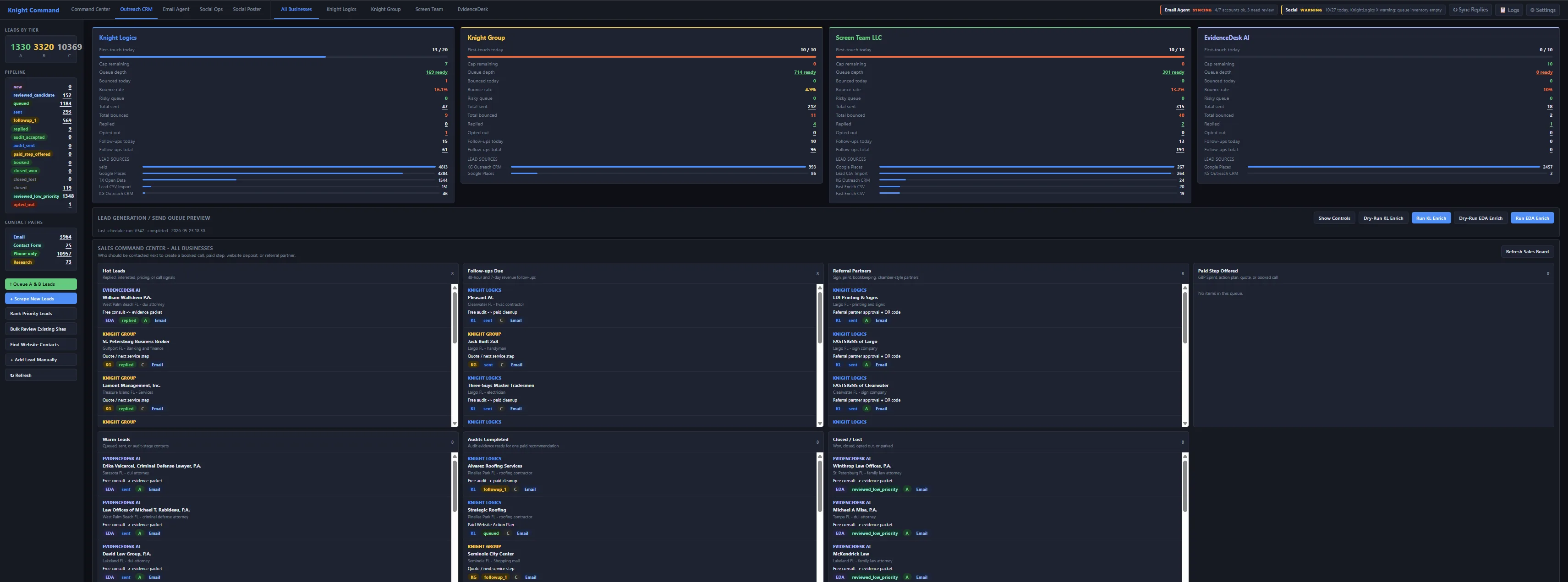
Custom CRM, multi-brand dashboards, automated outreach support, referral tracking, email routing, and revenue/source reporting — scoped as a one-time Automation Build unless you add managed Growth.
Typical range: $5,000–$10,000+