Batch
Weekly closeout rules
Configurable window that rolls completed portal jobs into one billing run per vendor relationship.
When Vendoroo or Copeland work closes for the week, Handyman Ticket Manager batches completed jobs into one HTML email summary, a compressed service-report PDF, and Stripe pay links — one hosted invoice button per property, not a shared weekly total. Paid status syncs back to the job record via webhook.
This page covers the payment closeout slice of field ops: how completed portal jobs become billable without office staff retyping line items into Stripe. Ticket intake, mobile dispatch, and photo capture live on Ticketing & Job Workflows — here we focus on weekly batch billing, per-property pay links, and webhook sync.
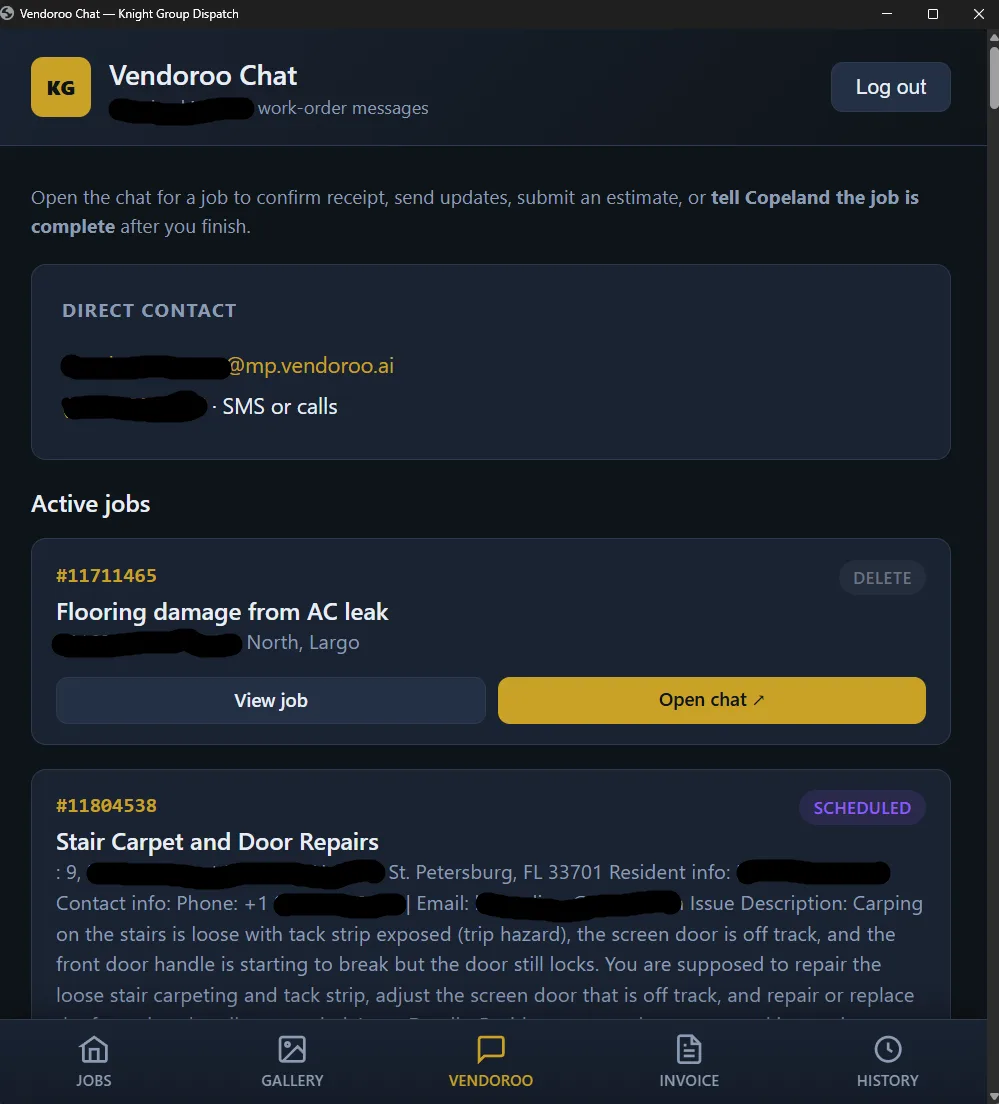
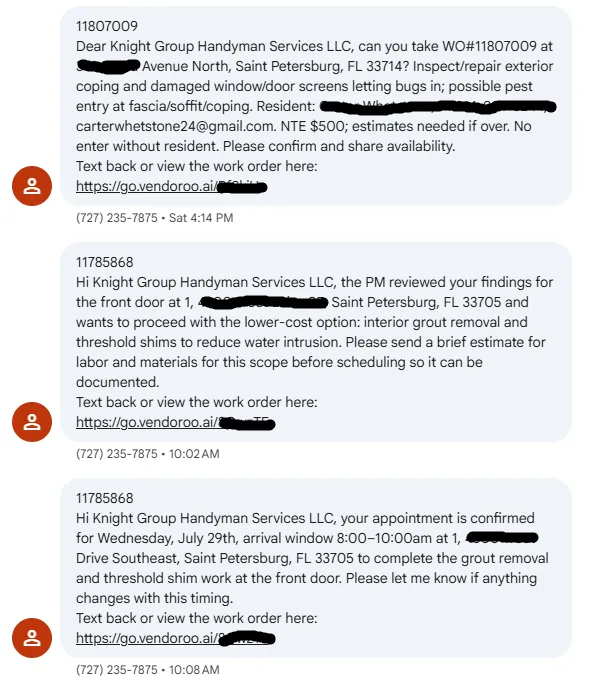
Portal vendors do not invoice job-by-job in real time. Work orders arrive all week via Vendoroo SMS and chat; crews close tickets in KG Dispatch (Handyman Ticket Manager). Friday (or your configured window) rolls every completed job into one billing run — labor, materials markup, and visit metadata already on the job record.
One HTML email goes out with the job table — ticket #, property, work performed, visit/completion meta, labor, materials, totals — then a Pay button per property. A compressed service-report PDF rides along: cover totals table plus per-job pages with before/after photos auto-sized under Graph’s ~3.5 MB send limit.
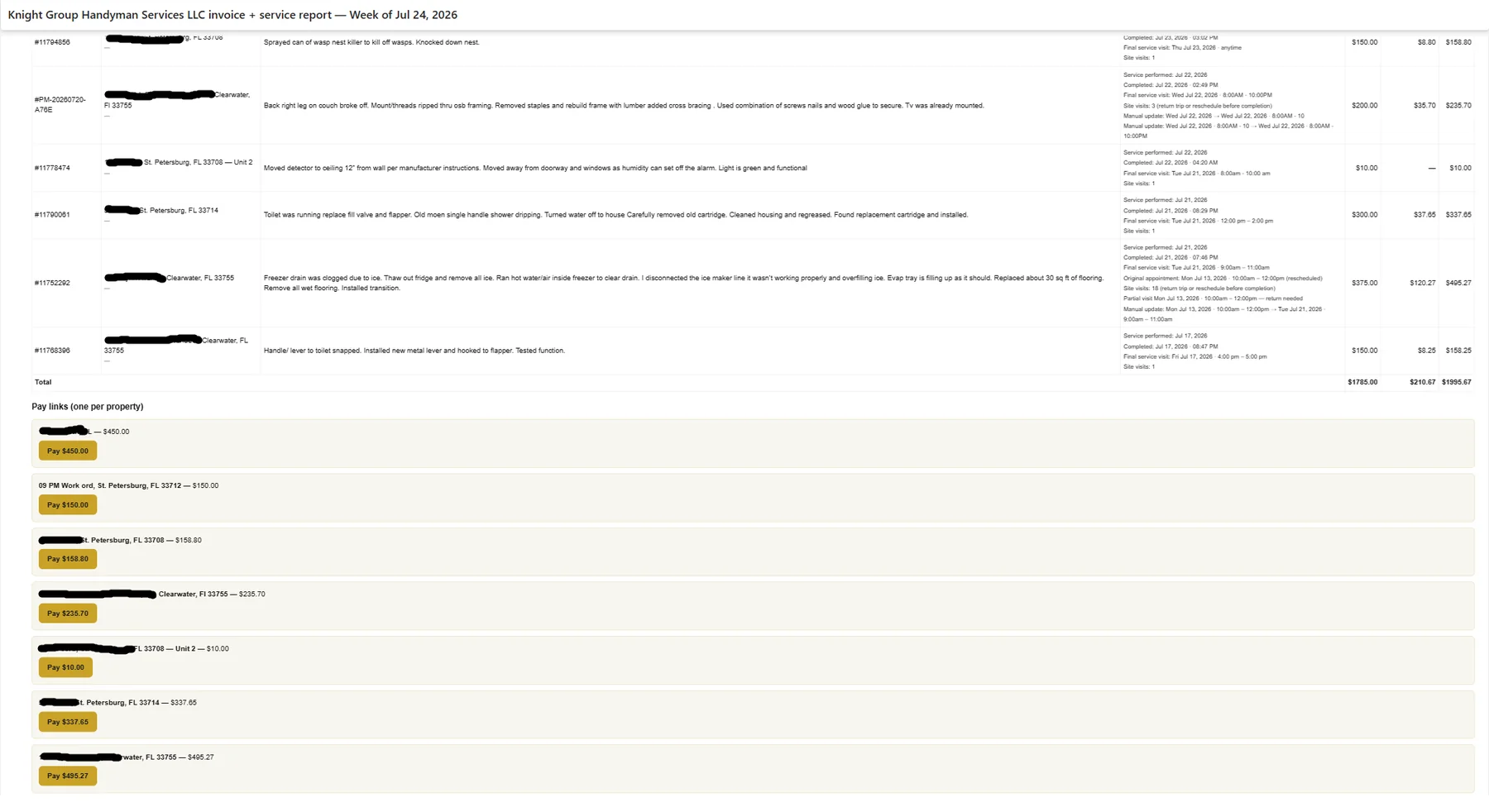
Stripe invoice drafts pull labor, materials, and ticket metadata from Handyman Ticket Manager. Office staff stop copying Vendoroo exports into a billing tab. Each property gets its own hosted invoice URL — card and ACH options follow your Stripe account settings.

When a property manager pays, Stripe webhooks update the job record: sent, paid, overdue, and failed states visible beside photos and notes. Idempotent handlers with retry logic and operator-visible failures — not one-off scripts that silently drop events after hours.
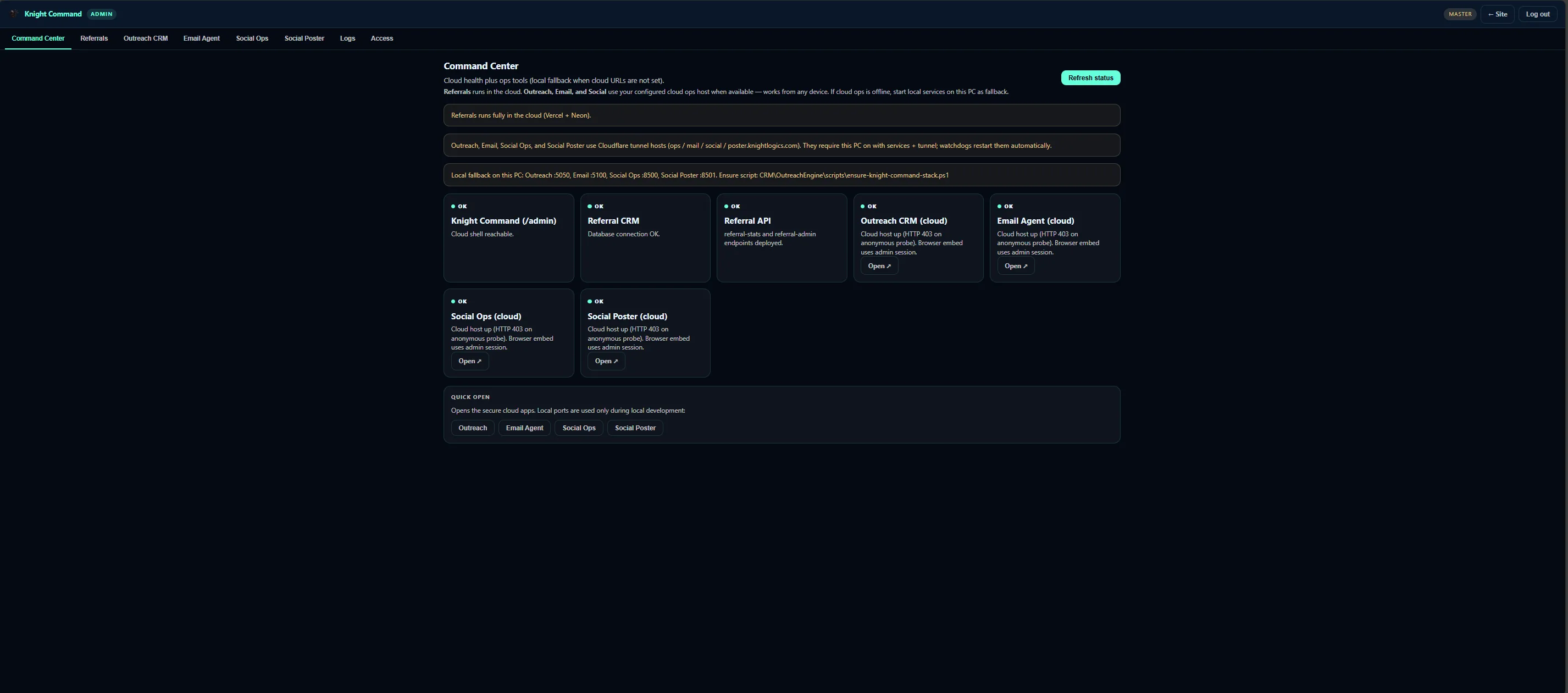
Handyman Ticket Manager and weekly invoice runs embed in Knight Command for operators who already review outreach and email queues. Billing is framed as the closeout tab on field ops — open jobs vs billed jobs on one dashboard, not a disconnected Stripe bookmark.
Invoice automation scoped to job milestones — triggers, delivery, and paid-status sync.
Batch
Configurable window that rolls completed portal jobs into one billing run per vendor relationship.
Delivery
Job summary table in the body; compressed service-report PDF with per-job photo pages attached.
Stripe
Hosted invoice buttons grouped by property — line items pulled from the job record.
Sync
Paid, sent, and overdue reflected on the job screen with retry and failure alerts.
Live Vendoroo / Copeland pattern from Knight Group Handyman Ticket Manager — billing that matches how portal vendors actually pay.
Closeout Email summary + PDF packet
When the portal client’s week closes, one HTML email goes out with the job table and Stripe pay buttons — plus a compressed service-report PDF. One CRM reply’s worth of relationship; a full week of billable work in one packet.
Pre-billing Handyman Ticket Manager
Crews work the mobile queue; admins assign and close from dispatch. Only completed jobs with proof attached enter the weekly Stripe batch — direct customers still get immediate pay links on closeout.
Ops shell Knight Command billing tab
Operators who already open Knight Command for outreach and email see invoice status beside the dispatch queue — not a separate billing SaaS nobody checks.
Invoice automation is usually the last mile of a job-workflow engagement — after intake and photo rules are stable.
Weekly vs immediate pay paths — which clients batch and which get same-day links on completion.
Job fields → Stripe products — labor, materials markup, and portal metadata without retyping.
Manager-facing summary table and compressed service-report PDF under email size limits.
Hosted invoices per property, webhook endpoints, and paid-status sync on the job record.
Override path for edge cases — scope changes, partial payments, and manual resend before full automation.
Cash-collection results when billing fires at closeout instead of days later in a spreadsheet.
Weekly portal packs go out on schedule — not rebuilt manually every Friday afternoon.
Accounting teams pay the right property invoice — not one confusing lump sum.
Paid status visible on the job screen alongside photos and completion notes.
Line items pull from dispatch — office staff stop retyping portal exports into Stripe.
Stripe invoice proof from the Vendoroo ticket-to-invoice pattern — not website SEO stats.
Portal intake, mobile proof, weekly email + PDF, and Stripe pay links in one path.
Full ticket → photo → invoice stack — this page is the billing closeout lane.

Field composites that feed the service-report PDF attached to invoice emails.
Job Workflows covers the full ticket → photo → dispatch path. This page focuses on the billing closeout: weekly email summaries, service-report PDFs, per-property Stripe links, and webhook sync — the money lane after jobs complete.
Multi-property managers reconcile accounting per address. A single weekly lump-sum link creates payment disputes and slows AP — separate hosted invoices match how portal vendors actually pay.
Yes — the service-report PDF compresses job photos and notes under email size limits. Managers get summary + proof + pay buttons in one send.
Stripe webhooks update the job record with idempotent handlers and retry logic — paid status appears on the dispatch screen, not only in Stripe’s dashboard.
Yes — homeowner and one-off jobs typically get immediate pay links on completion. Weekly batching is for portal vendor relationships like Vendoroo and Copeland.
Property maintenance vendors and handyman operators billing portal clients weekly — crews finish work days before managers see an invoice without automation.
Describe your closeout cadence, portal clients, and current Stripe workflow — we will scope per-property pay links and PDF packets.
Request a Consultation