Capture
Mobile photo scopes
Browser-first attach tied to job ID with required steps before closeout.
Crews capture before, process, and after shots on the job record — a marketing worker builds branded composites, publishes to the website gallery, and compiles service-report PDFs that ride with weekly invoice emails. Camera-roll hunts after every ticket are the problem this lane removes.
This page is the proof pipeline between field closeout and money. Stripe pay links and weekly invoice emails live on Stripe Invoice Automation — here we cover how scoped field photos become manager-ready PDFs, website gallery pages, and social-ready composites without a second upload step.
KG Dispatch (Handyman Ticket Manager) requires scoped uploads per ticket — not a camera-roll dump after the truck leaves. Browser-first mobile capture keeps crews off another app store install while timestamps and captions stay on the job record permanently.
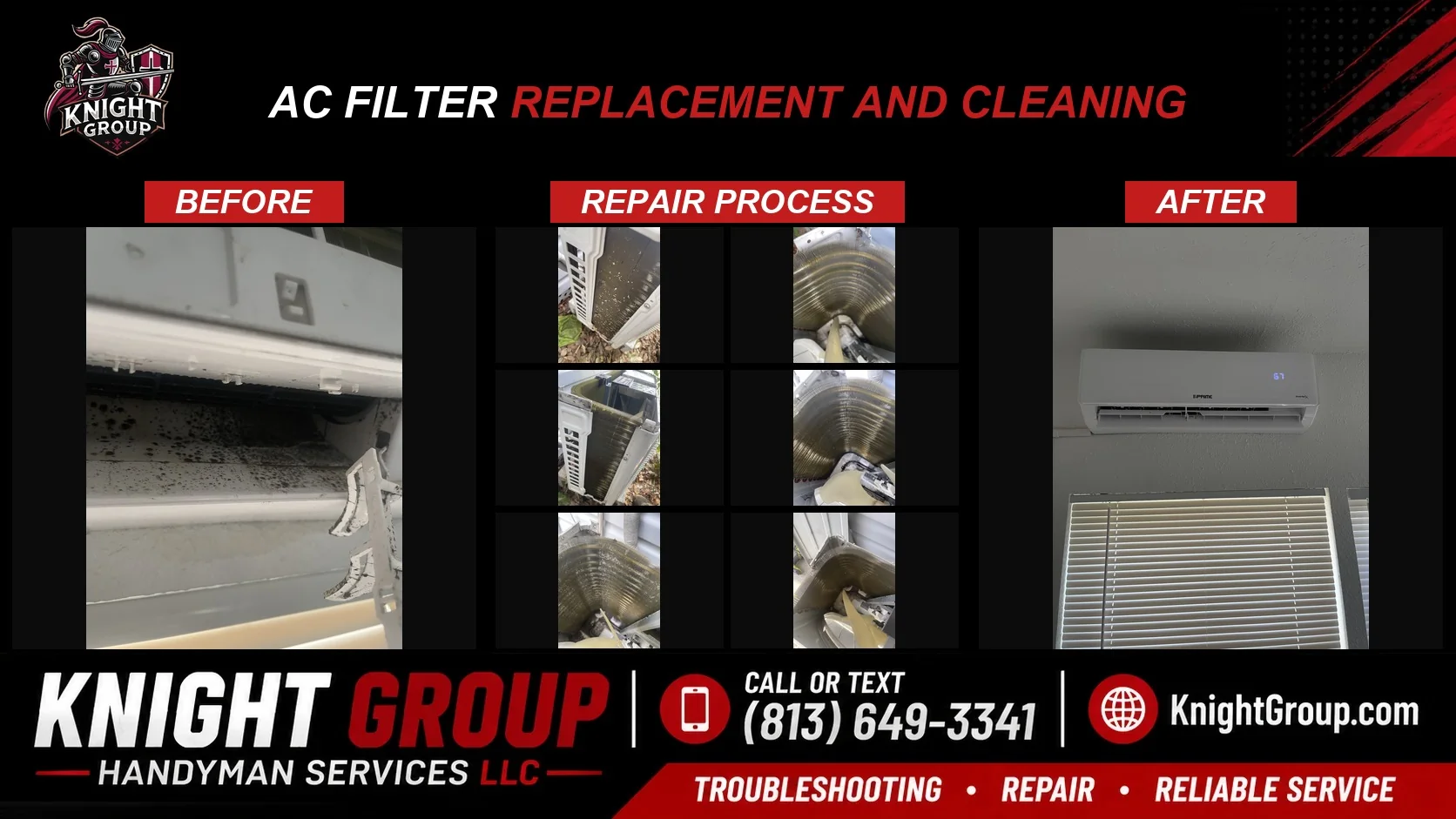
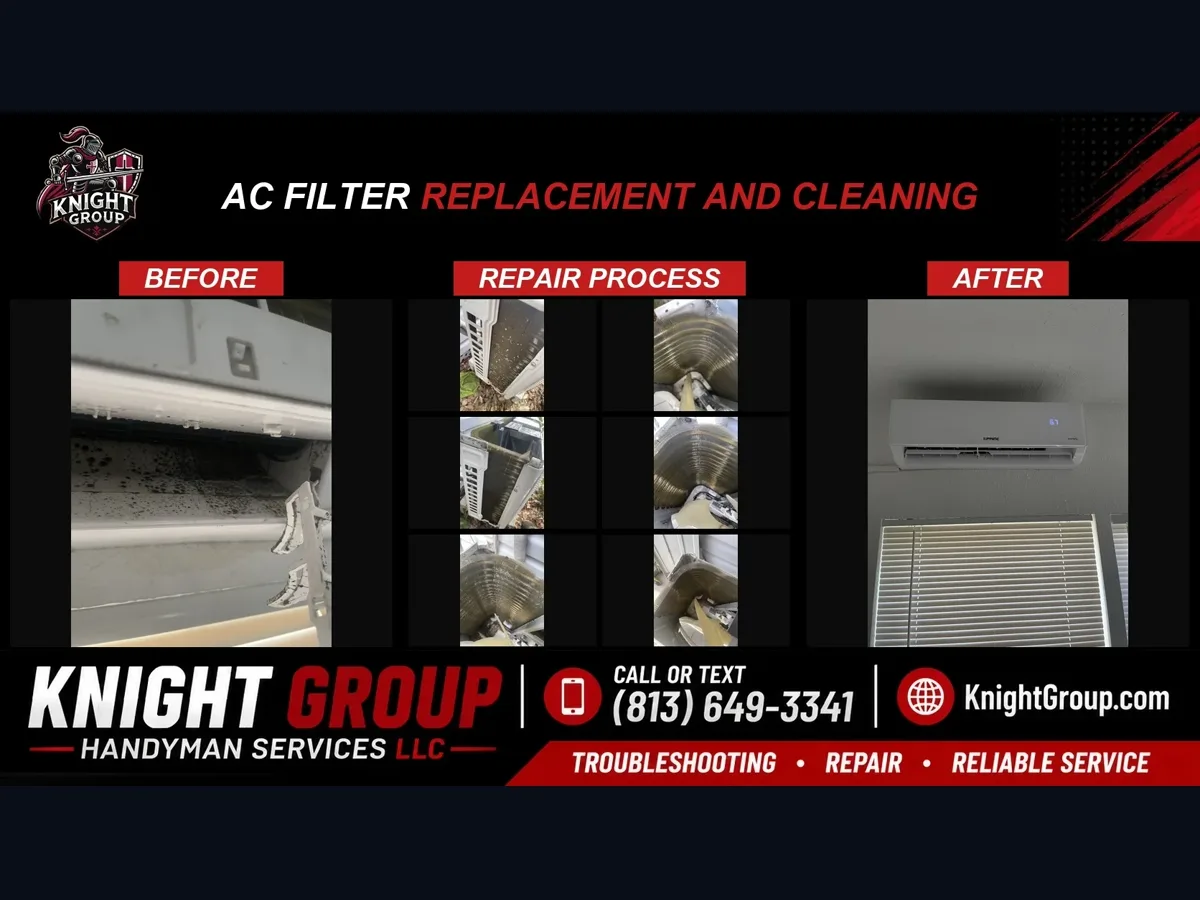
A background worker builds before | process | after composites with brand headers, service labels, and geography — the Knight Group AC filter pattern. Composites feed the website gallery, social-ready JPGs for the kg Social Poster queue, and compressed pages inside service-report PDFs.
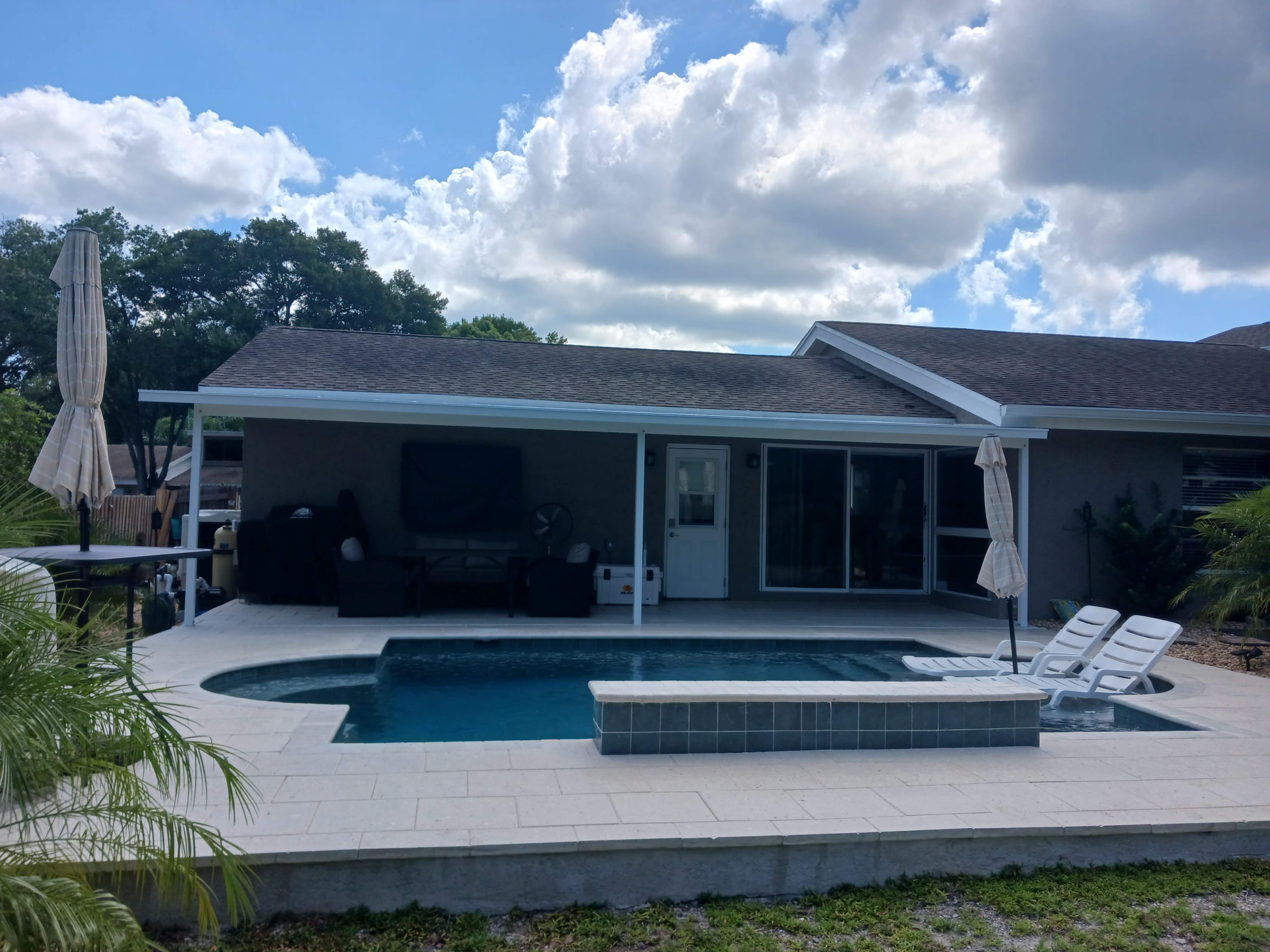
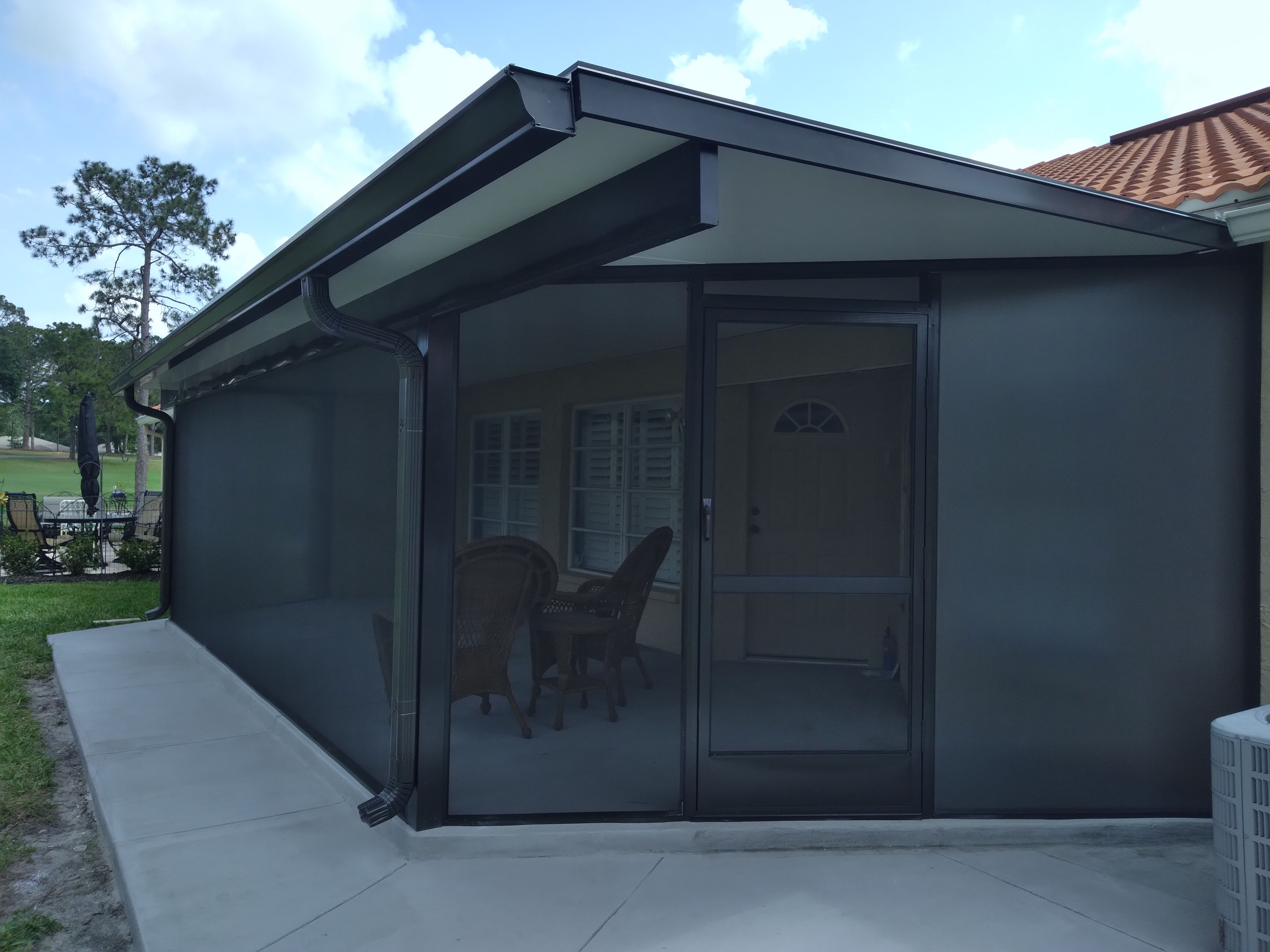
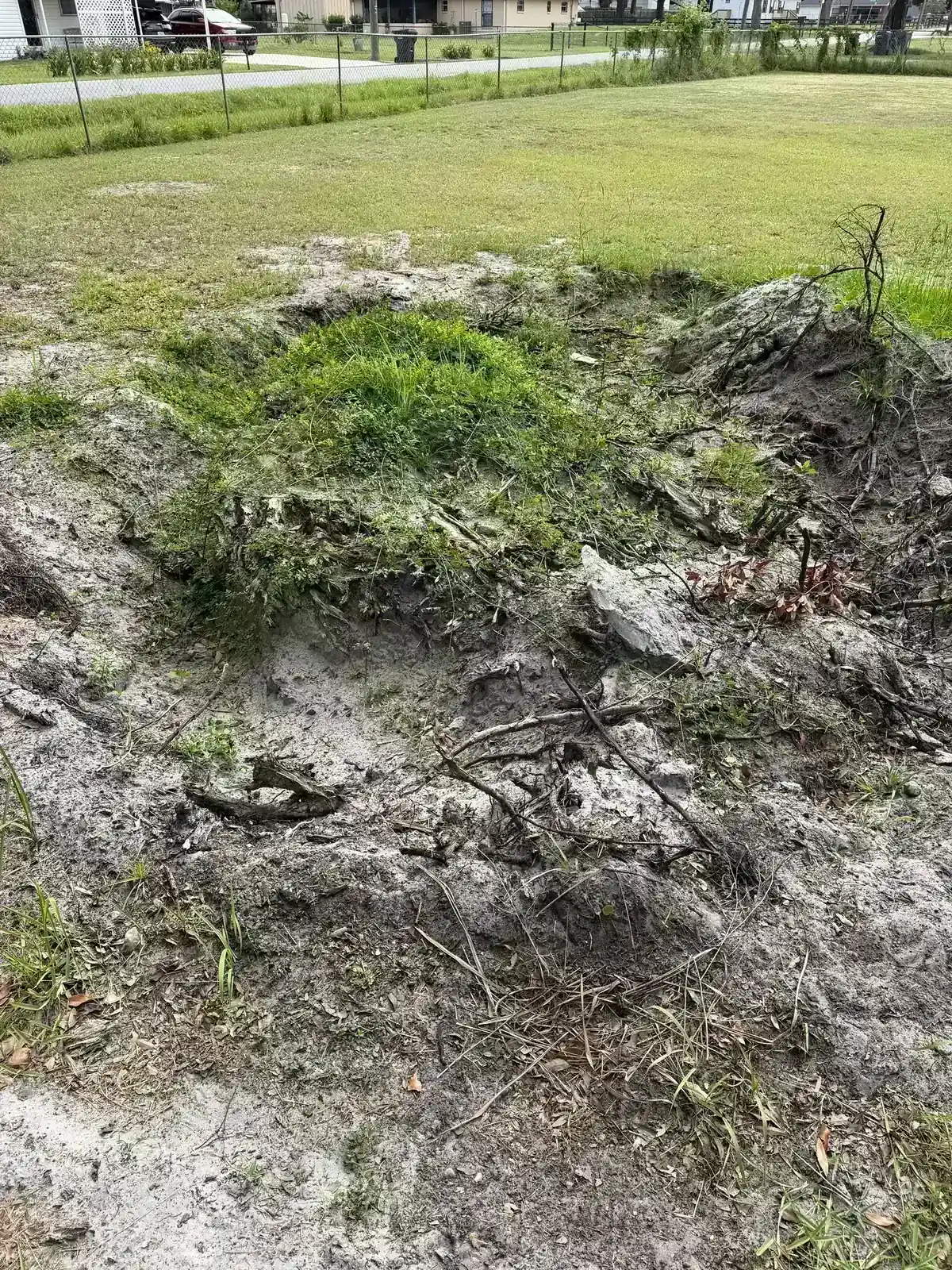
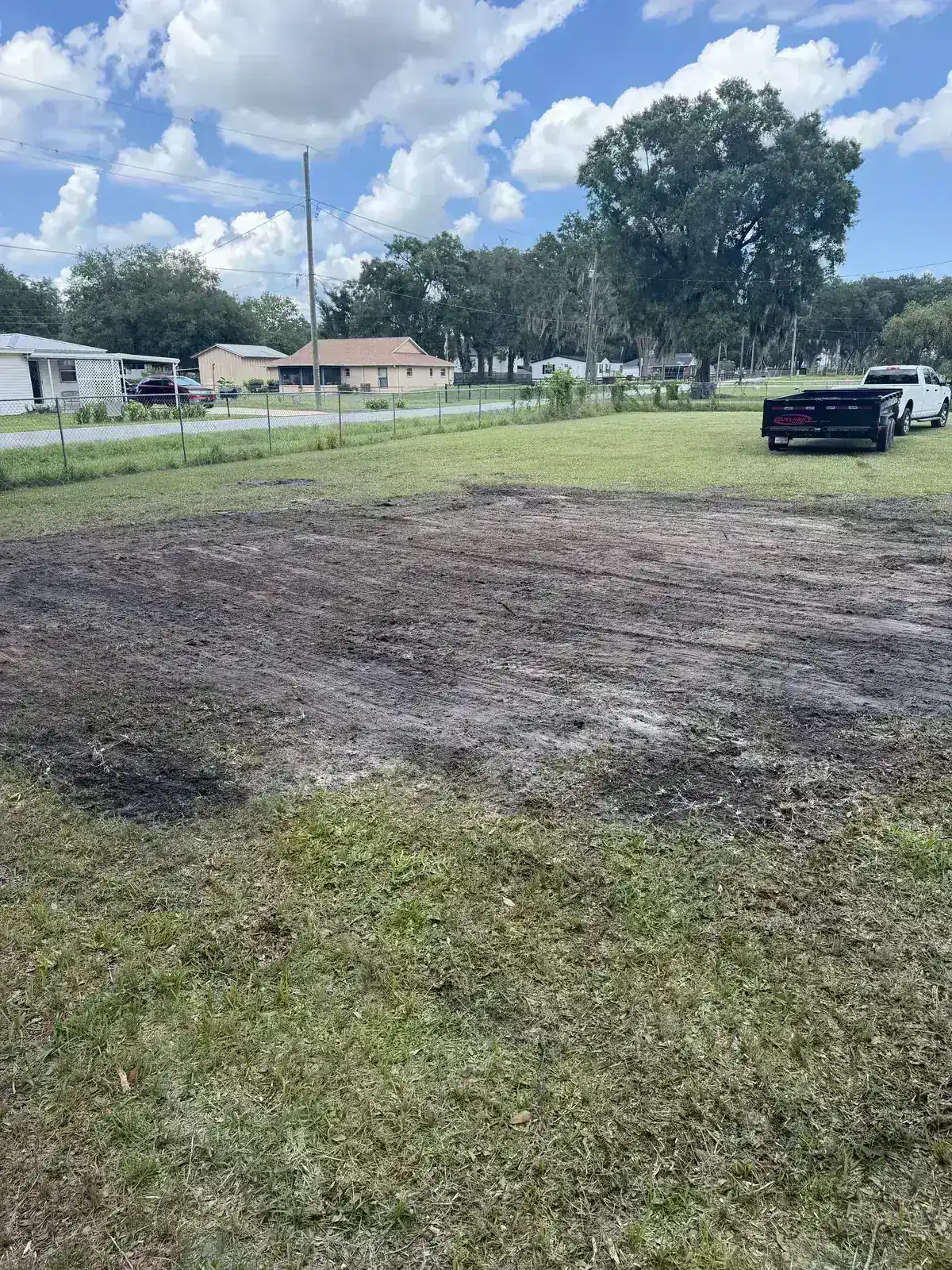
Composites publish to client gallery pages with schema-friendly alt text and city/service tags — Screen Team pool enclosures, Knight Group handyman jobs, Faith Works land clearing. Marketing proof compounds from the same capture path crews already use to close tickets.
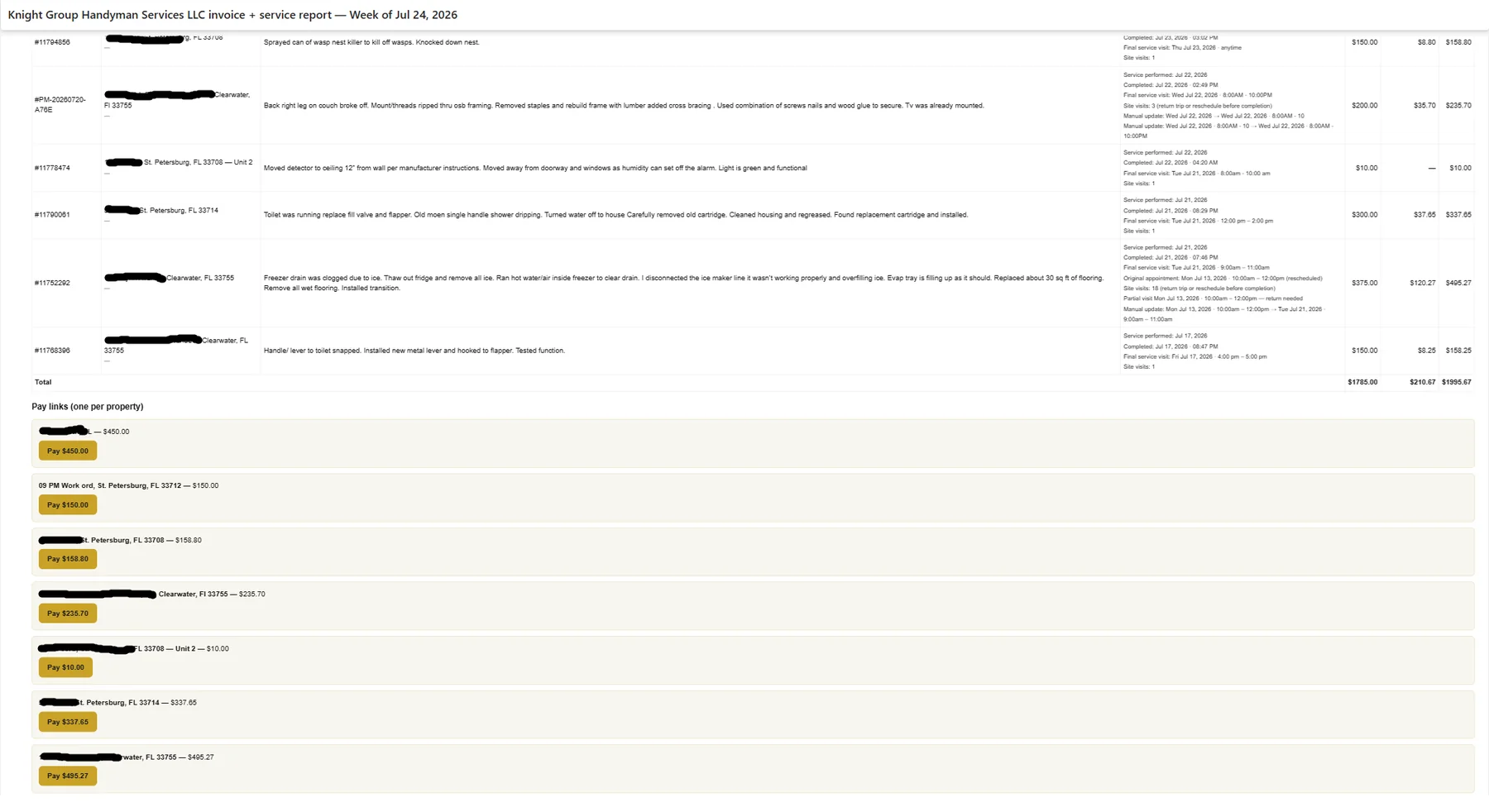
Server-side PDF generation runs branded layouts per property manager requirements: weekly cover table, then per-job sections with WO title, unit, technician, amounts, completion notes, and scoped photos. Office reviews the packet before billing fires when proof-gating is configured.
Weekly Vendoroo closeout emails attach the compressed service-report PDF beside Stripe pay links — managers see job tables, photo proof, and per-property pay buttons in one send. This is the handoff to Stripe Invoice Automation; photo PDFs are not optional decoration when portals audit completion.
Field proof deliverables — capture rules, composites, gallery, and PDF layouts.
Capture
Browser-first attach tied to job ID with required steps before closeout.
Composite
Before / process / after marketing composites from one upload path.
Gallery
Approved composites push to owned gallery pages with SEO-friendly metadata.
Portal-ready packets with per-job photos, notes, and weekly cover totals.
Live patterns from Knight Group handyman jobs, Screen Team enclosures, and land-clearing proof — one pipeline, multiple trades.
Handyman KG Dispatch composite
Crews capture scoped photos on the ticket; the composite worker builds marketing-ready before/after frames that publish to the Knight Group gallery and compress into service-report PDF pages — no second upload for social or billing.
Enclosure trade Screen Team field proof
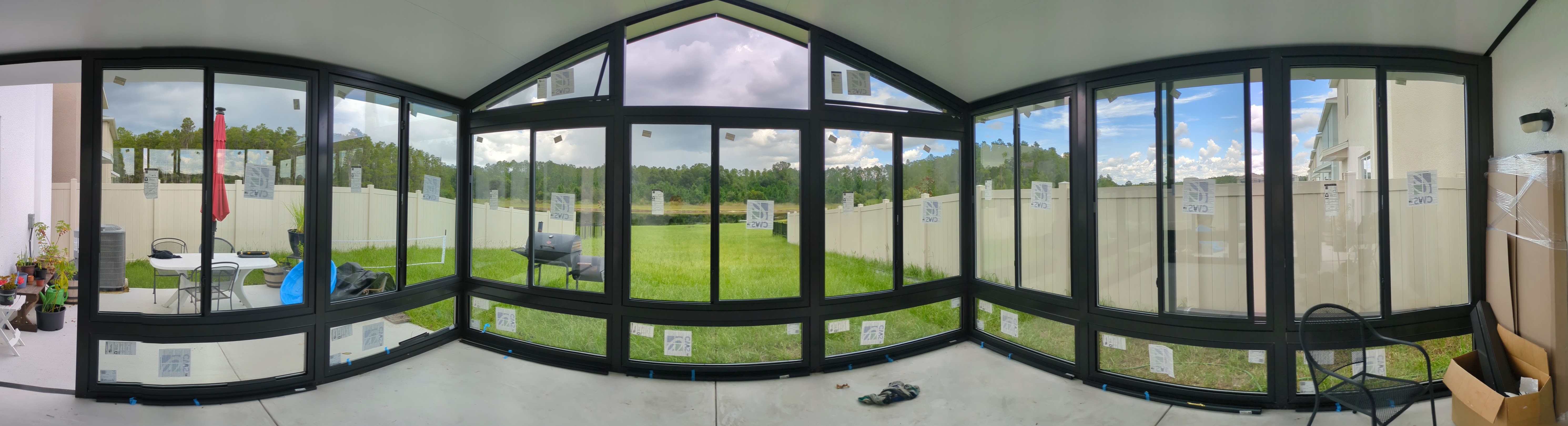
Pool enclosure jobs need wide site context plus close-up repair proof. Gallery grids mix panoramic photography with before/after composites — the same capture discipline property managers expect on portal uploads.
Closeout PDF + email delivery
Property managers receive photo-backed PDFs in the same send as job summaries — office reviews proof before Stripe pay links go out. Disputes reference the packet everyone already has.
Proof pipeline scoped to portal requirements and crew habits — not a generic photo app.
Document portal and manager PDF expectations per job type — required scopes and section order.
Minimal taps for crews; status gates prevent closeout without photos when configured.
Brand frames, gallery metadata, and compression rules for email-sized PDF pages.
Server-side layouts with auto-filled job fields, timestamps, and per-manager sections.
Portal upload, customer links, or invoice-email attachment — proof gates billing when scoped.
Proof outcomes property managers accept — and marketing content without a second upload.
Consistent PDF format matches manager upload requirements the first time.
Office sees photos before invoice or pay links go out — fewer disputes.
Gallery and social content from the same capture path crews use to close tickets.
Required capture on the job page replaces end-of-day camera-roll hunts.
Photo and PDF proof from live field ops — distinct from billing-only or outreach grids.
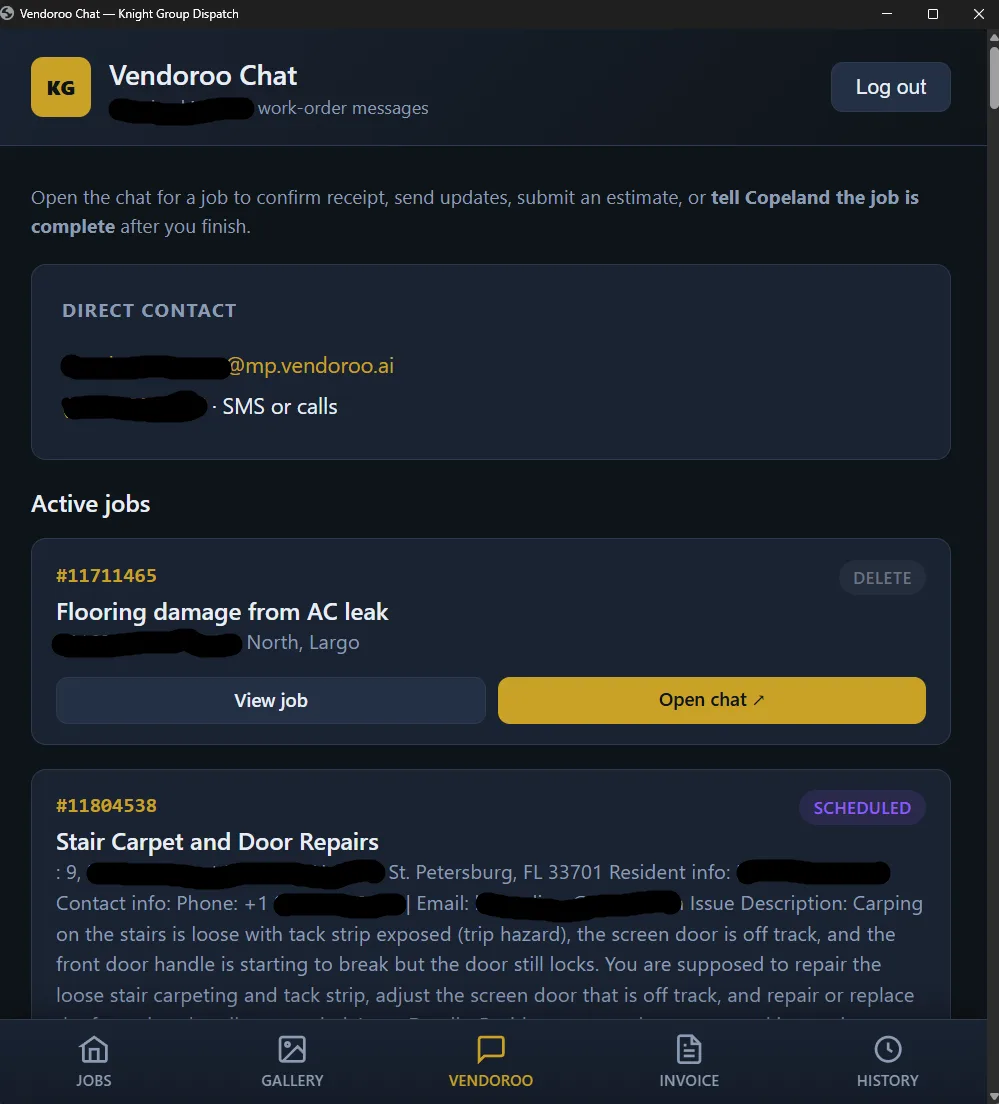
Portal intake, scoped photos, PDF packets, and weekly invoice email — full closeout path.
Ticket → photo → invoice stack — this page is the proof and PDF lane.
Per-property pay links — PDF proof rides in the same weekly email send.
Stripe Invoice Automation covers weekly pay links and webhook sync. This page covers the photo → composite → gallery → PDF pipeline — the proof layer managers review before money moves.
Browser mobile flow is default — photos attach from the job page on phone without another app store install.
Yes — templates are scoped per client during intake to match property manager formats, including land-clearing and visual trades.
When configured, approved composites push to owned gallery pages with captions and SEO metadata — marketing proof without re-uploading.
Office can require proof attached before invoice automation fires — the cleanest dispute prevention for portal-heavy vendors.
Property maintenance vendors, enclosure contractors, and land-clearing operators whose managers reject vague closeouts without scoped photos.
Share portal PDF requirements and a sample manager closeout — we will scope capture, composites, and service-report layouts.
Request a Consultation