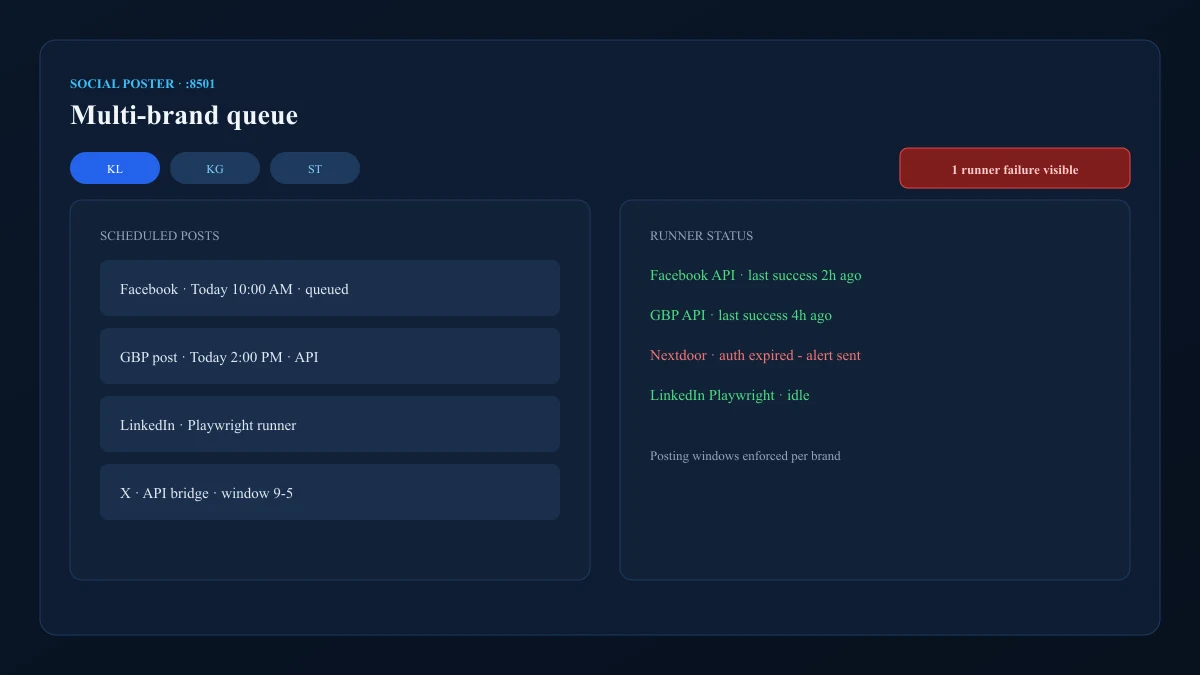
Social Poster embedStreamlit 8501 queue and runner status inside Social Poster / Social Ops tabs.
The internal ops shell behind Knight Logics growth infrastructure — one authenticated place to run referrals, outreach, email, and social workflows without juggling URLs.
One admin surface for the growth stack — Command shell plus the CRM, referral, and social UIs it embeds every morning.
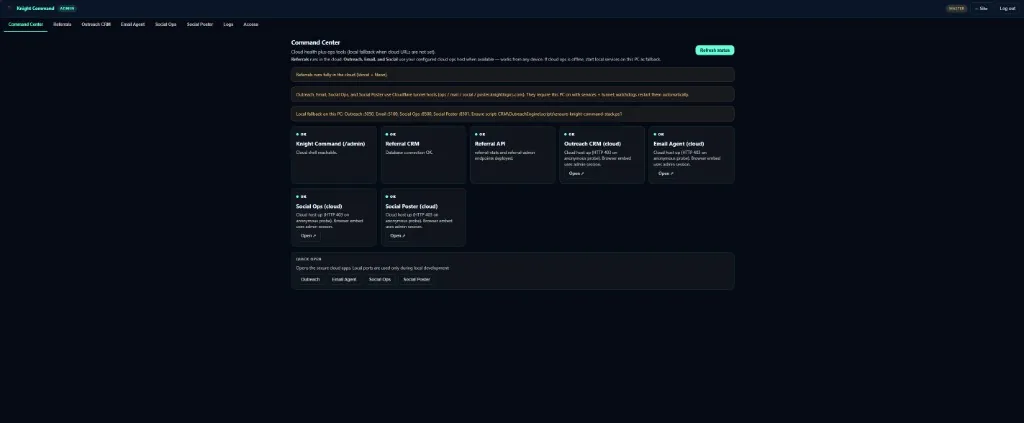
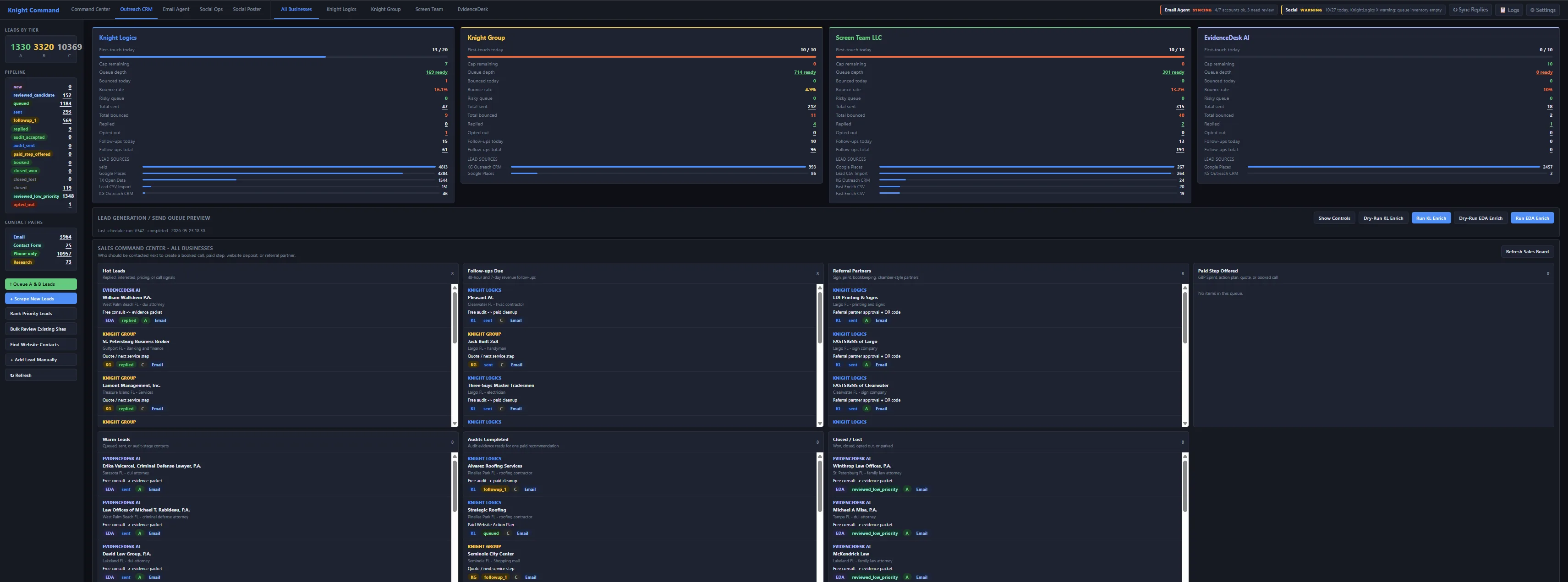
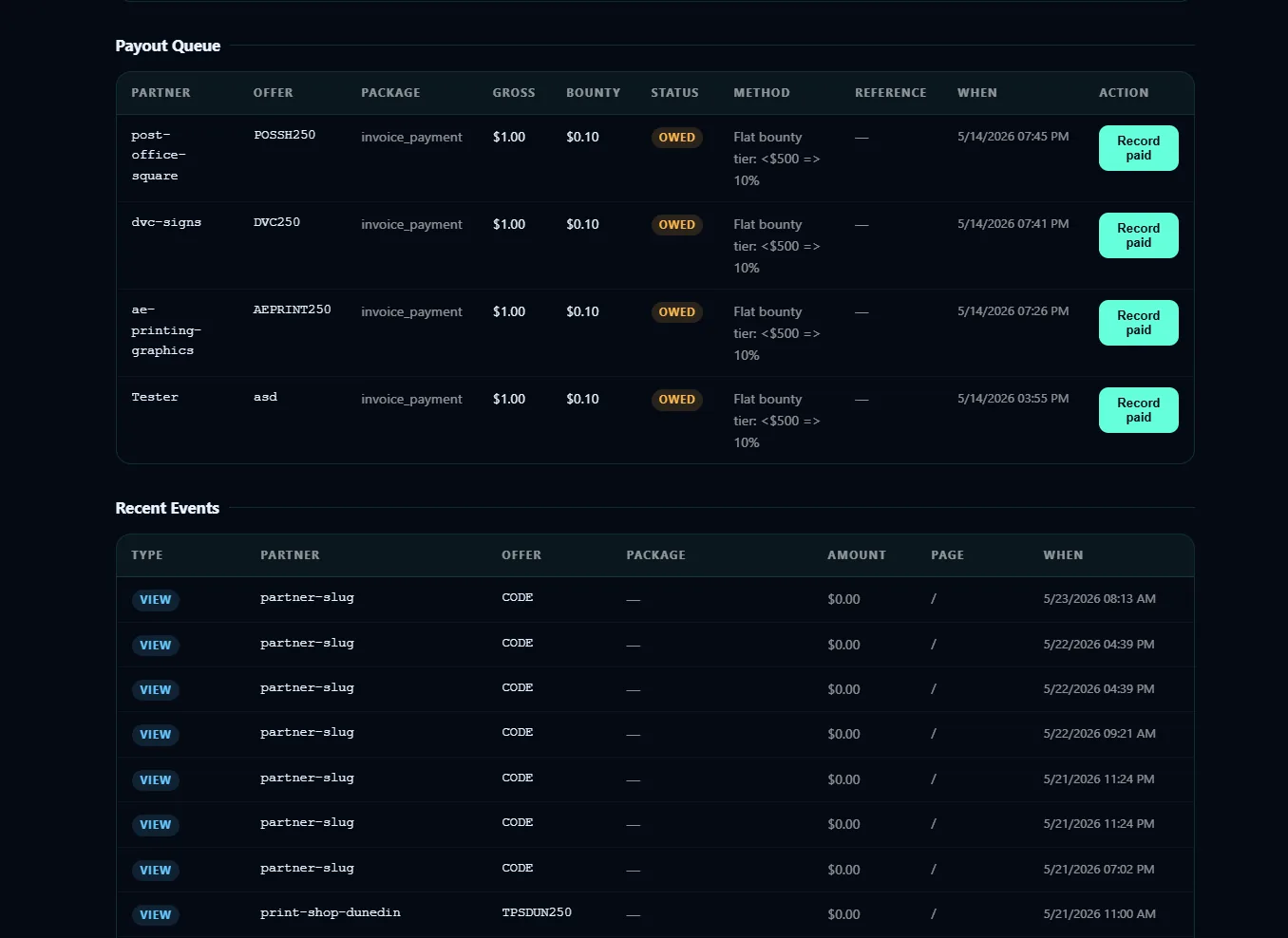
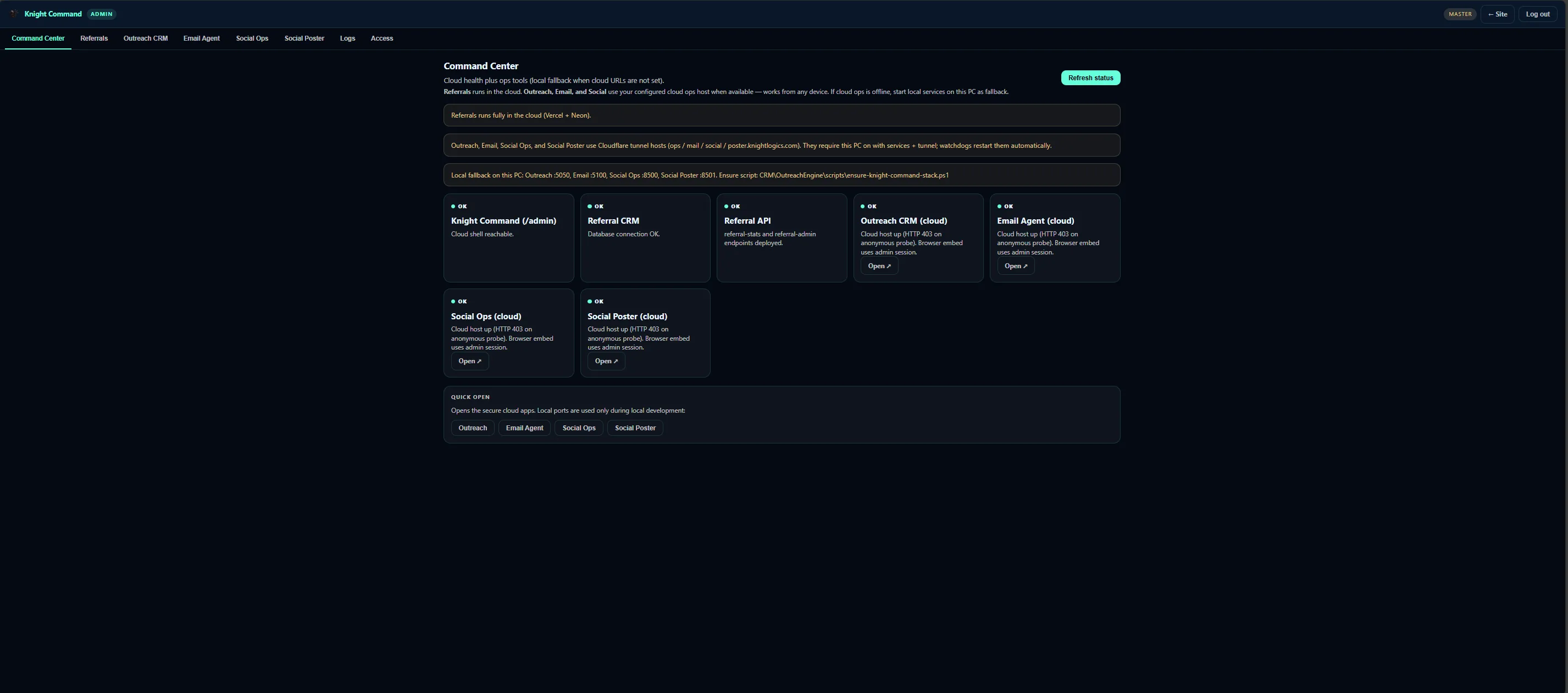
Ops hub One login → six lanes
Before the shell, operators juggled orphan localhost URLs for referral dashboard, OutreachEngine, Email-Agent, and Social Poster. Knight Command consolidates tabs with shared auth and logging.
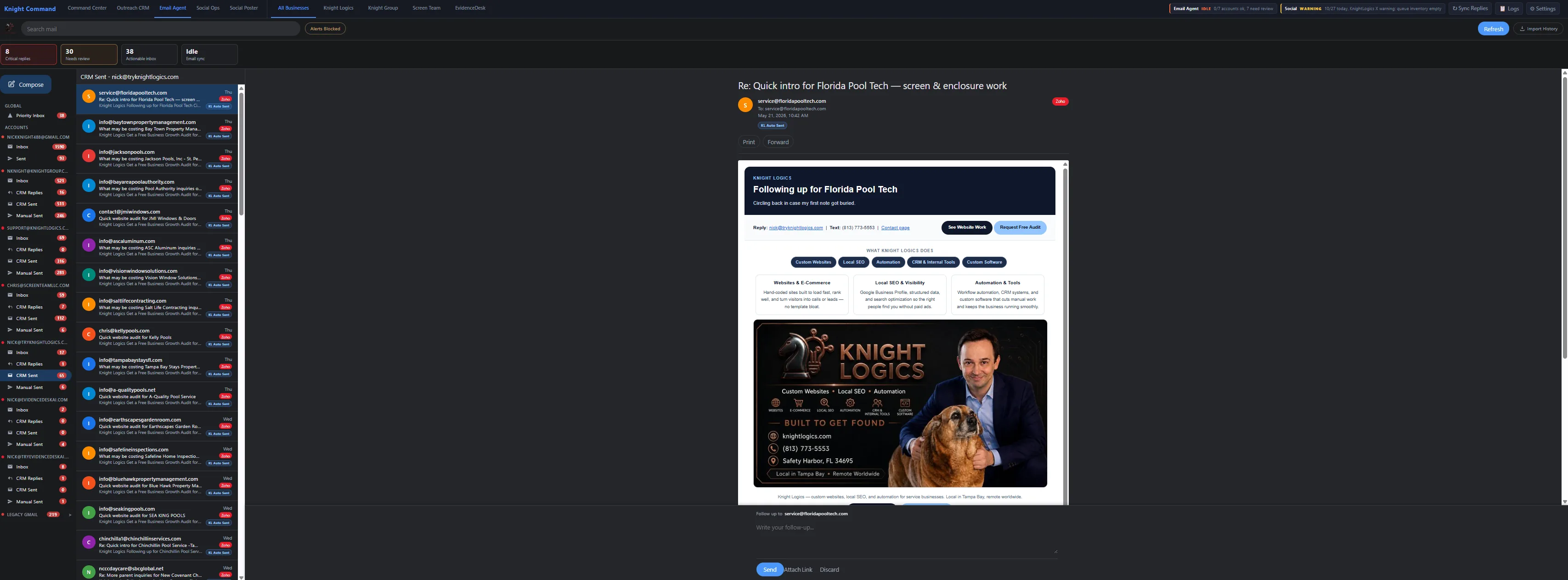
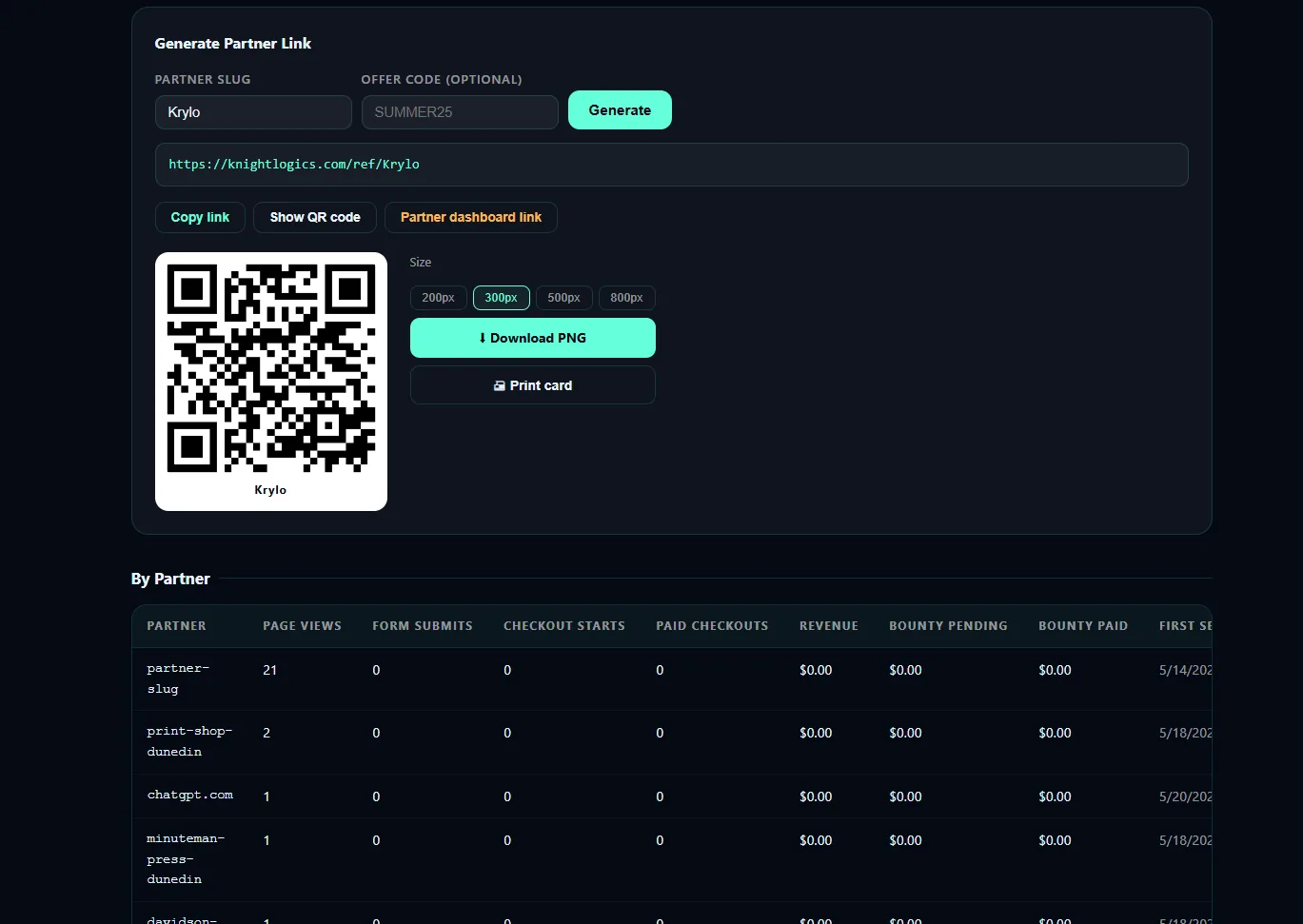
Knight Command at /admin consolidates tabs for Command Center, Referrals, Outreach CRM, Email Agent, Social Ops, Social Poster, and Logs — each embedding live services on ports 5050, 5100, 8500, and 8501.
Before the shell, operators juggled orphan localhost URLs for referral dashboard, OutreachEngine, Email-Agent, and Social Poster — context switching slowed outreach review and failure triage.
Modular tab architecture lets individual services upgrade without rebuilding the entire admin — new lanes slot in instead of requiring bookmark updates across the team.
If you want an owner dashboard that feels like one product instead of a bookmark folder of tools, this is the pattern: authenticated shell, tab embeds, shared logs, and a documented port map your team can actually onboard to.
Operators should not need six localhost ports bookmarked to run a growth stack — Knight Command consolidates tabs with shared auth and logging.
Built for operator speed with modular embeds on ports 5050, 5100, 8500, and 8501.
Daily growth operations sprawled across separate URLs for referral tracking, OutreachEngine CRM, Email-Agent, and Social Poster. Context switching slowed outreach review, partner support, and failure triage.
When a runner failed overnight, nobody had a single place to see it. New hires inherited a bookmark folder instead of an ops product.
Knight Command at /admin provides a tabbed shell: Command Center, Referrals, Outreach CRM, Email Agent, Social Ops, Social Poster, and Logs. Each tab embeds the live service — referral infrastructure on 5050, Email-Agent on 5100, and Streamlit Social Poster on 8501 alongside related ops views on 8500.
The shell is intentionally modular: services upgrade independently, and new lanes slot into tabs instead of forcing the whole team to relearn URLs.
Web-first admin shell with iframe or proxy embeds to Flask OutreachEngine, Email-Agent, and Streamlit runners. Designed for operator workflows documented in the Business Growth Systems and Business Dashboard Development lanes.
This is the same pattern we reuse when a client needs an owner dashboard that feels like one product — not five SaaS logins.
Operators spend less time hunting localhost ports during daily review. New services slot into tabs instead of requiring bookmark updates across the team.
Morning queue review — referrals, CRM, email, social — happens in one authenticated session with shared failure visibility.
A clear path from intake to launch — scoped to what your team will actually use.
Deploy /admin with role gate and tab navigation scaffold.
Wire OutreachEngine and Email-Agent on 5100 into dedicated tabs.
Add Social Poster 8501 and referral dashboard 5050 paths.
Centralize failure visibility and document port map for operators.
What ships when we scope Knight Command for your trade, territory, and operator workflow.
Results Knight Command is designed to produce for owners who review queues weekly — not vanity dashboards.
Operators review referrals, CRM, email, and social without leaving /admin.
Logs tab centralizes cross-runner errors.
Services deploy independently into tab slots.
Embed architecture reusable for owner dashboards on client builds.
Knight Command is internal infrastructure — not a client SKU — but documents embed patterns for business-dashboard-development and internal-business-tools.
No — it is Knight Logics internal ops infrastructure. The case study documents the embed-shell pattern we reuse when building owner dashboards and internal tools for clients.
Referrals (5050 family), OutreachEngine CRM, Email-Agent (5100), Social Poster (8501), Social Ops (8500), plus Command Center and Logs for orientation and failure triage.
Yes. We scope authenticated admin shells that embed your CRM, job board, invoicing, or marketing tools so operators stop juggling bookmarks.
The same modular tab + embed approach powers business-dashboard-development and internal-business-tools engagements — with role gates and only the lanes each role needs.
Ask about building a similar internal command center for your business operations.
Request a Consultation