Flagship service

Business Growth Systems for Small & Local Companies

Build the online presence, then wire leads, outreach, referrals, and ops into one stack — and grow a roster of complementary service partners who send tracked work across Tampa Bay.

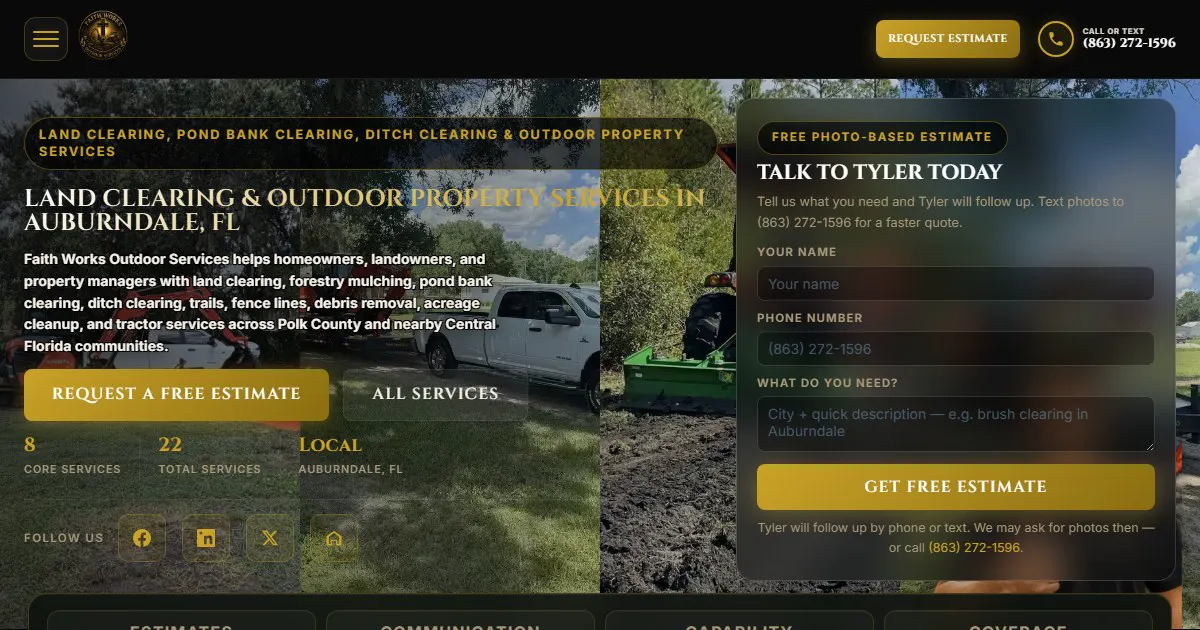
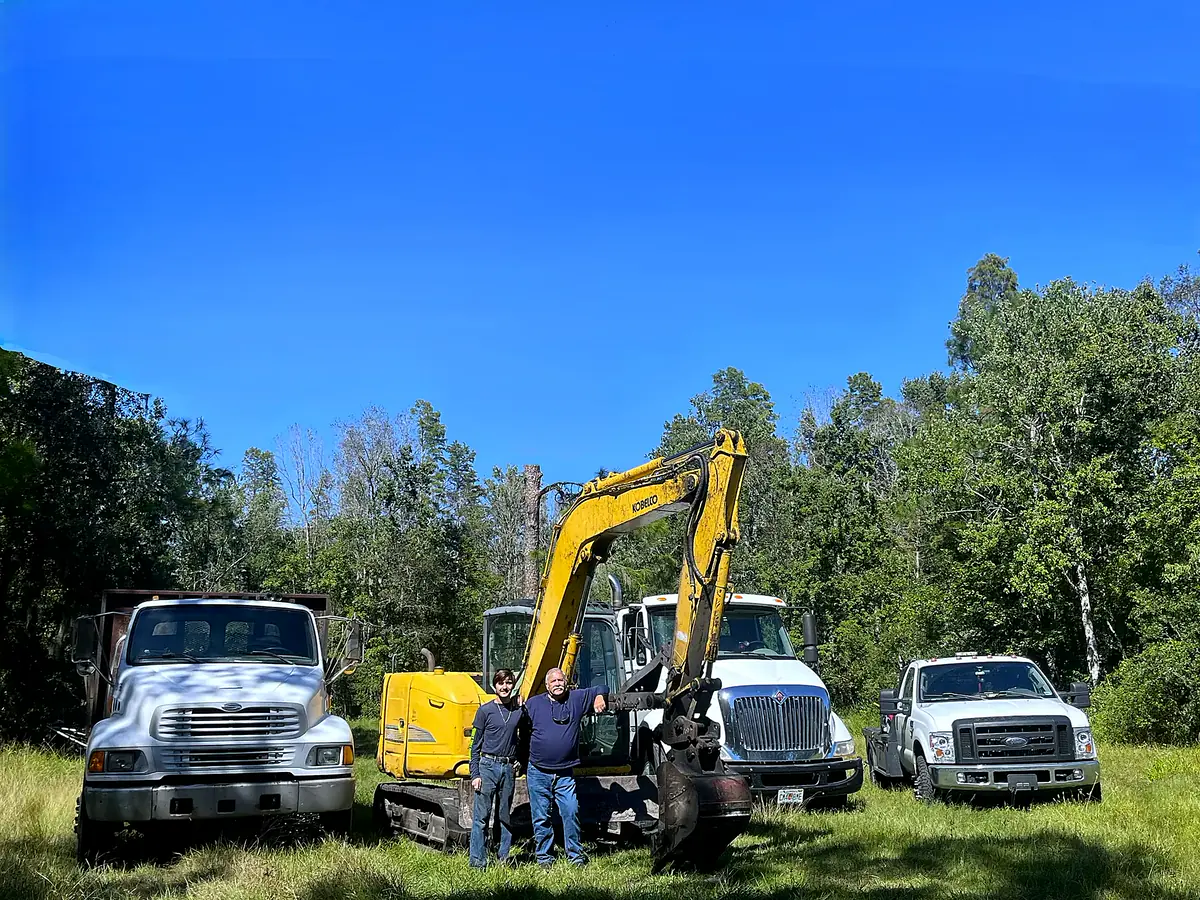
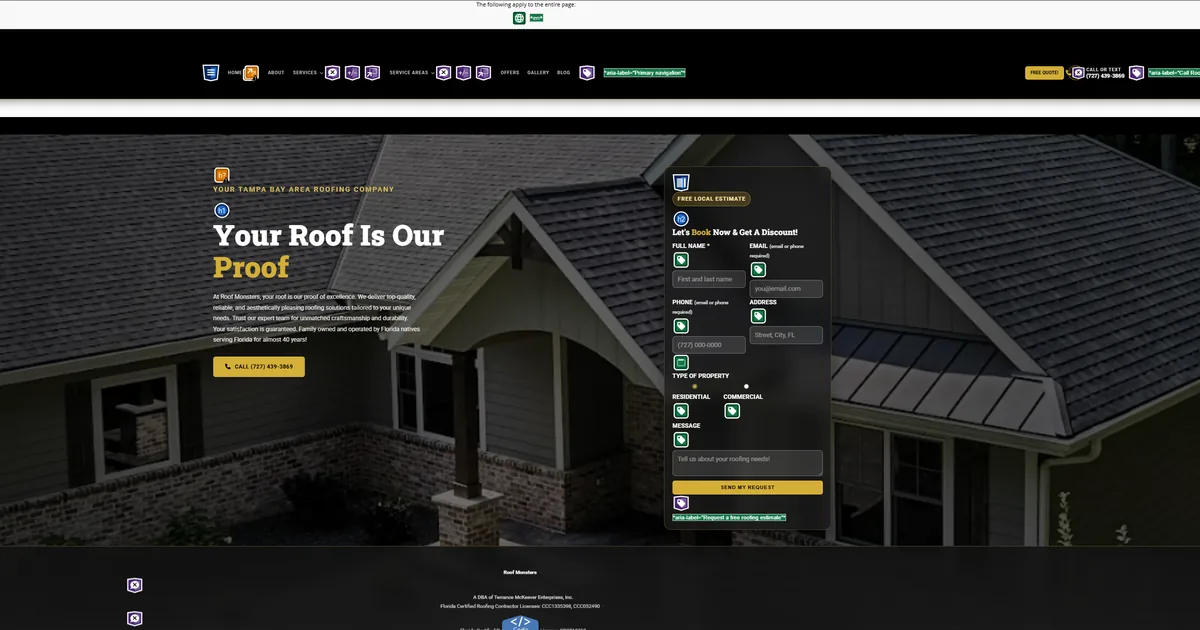
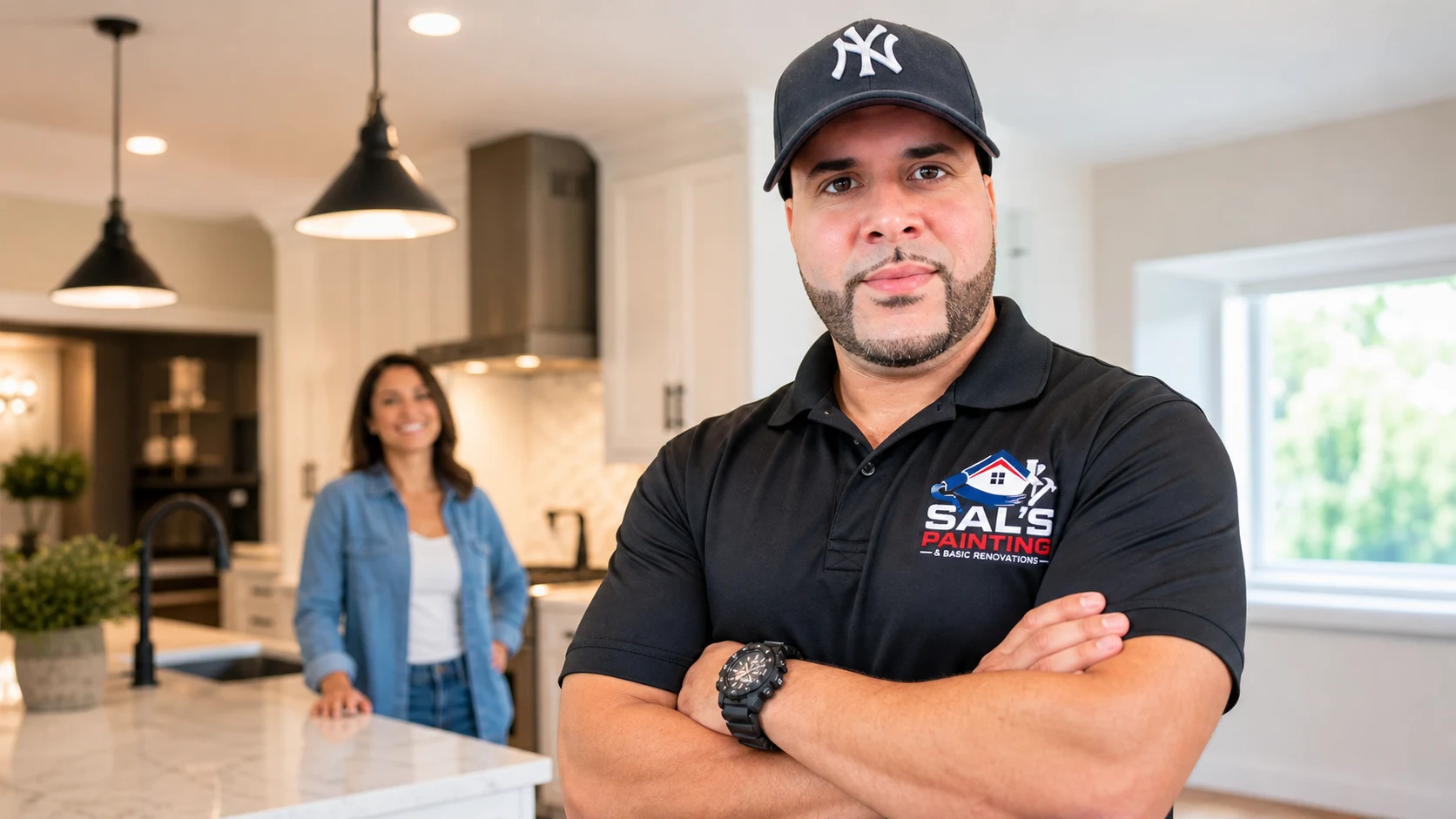
82 Pages — Faith Works growth system
81 Pages — Screen Team growth system
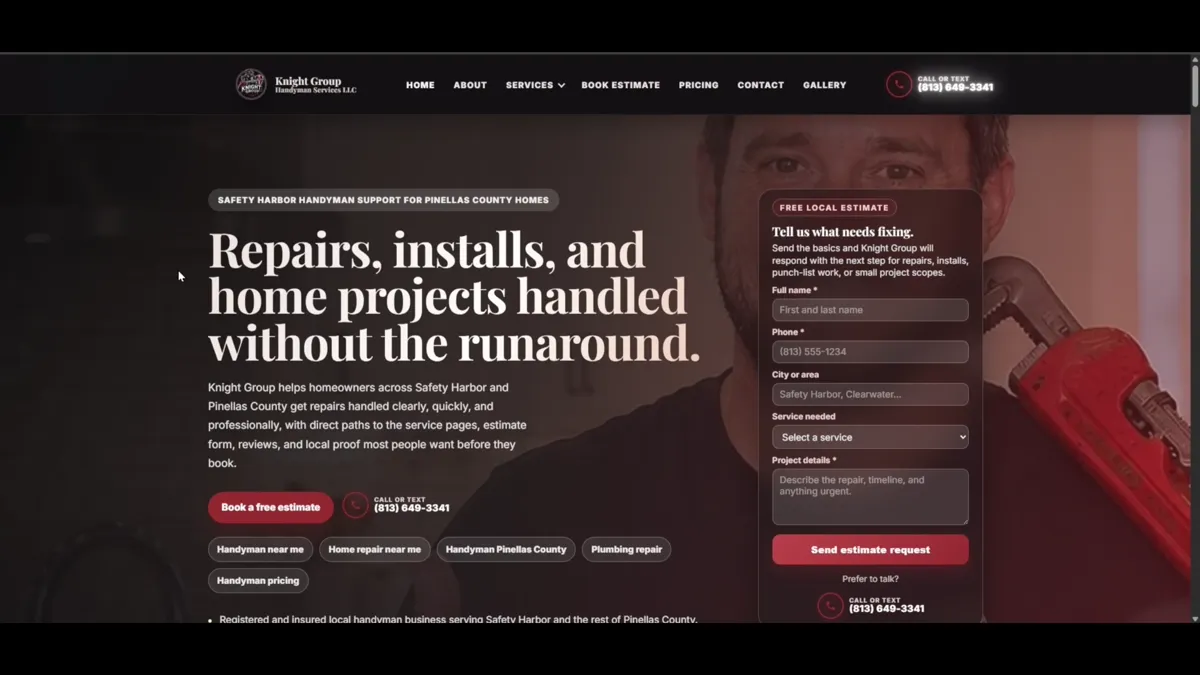
97 Pages — Knight Group growth system

One stack — not five tabs

We do not just design fancy websites — we build growth systems that help local businesses get found, capture leads, and follow up. Start with site + GBP + email + phone, then add the lanes below as your team is ready — the same stack behind Faith Works, Screen Team, and Knight Group.

Lane 1 — Lead generation

Find and grade the leads worth your send window

Knight Command’s CRM Outreach builds and scores local lists so you spend send capacity on accounts that fit — not a blast to every email you can scrape. Leads are graded by niche, geography, and brand-lane fit before first_touch goes out.

  1. Who we target Target accounts are defined per niche — not one generic list. For each brand we map who buys project and recurring work at the high end of that trade: property managers for maintenance lanes, GCs and complementary subs for trades, facility directors for commercial, referral partners who send repeat volume — whatever fits the business. Geography and service radius filter the list before first_touch.
  2. Lead grading Every account is scored before it enters the send window — firm fit, title, geography, website signals, and whether the niche typically buys repeat work vs one-off tire-kickers. Tier A names hit the daily cap first; B and C wait or get a different sequence. That keeps the 20–40 sends/day on prospects worth a reply instead of burning domain reputation on scraped noise.
  3. Brand isolation Each client lane (kl, kg, st, faithworks, rm, etc.) gets its own sender identity, template library, reply routing, and reputation boundary — Screen Team never sends as Knight Group, and a bounce or spam complaint on one lane does not poison another. Operators pick the lane at login; the scheduler only fires from that brand’s queue.
  4. Operator queue Morning queue preview shows scored leads, suggested next action, and sequence position before anything goes out — approve, skip, pause, or re-tier without opening a spreadsheet. Failed sends, replies, and warm handoffs surface in the same view so a human can intervene while the prospect is still comparing vendors. CRM outreach page →

Autoplaying muted — use controls to unmute

Lane 2 — Email Agent

Form fills and CRM replies land where your team will answer

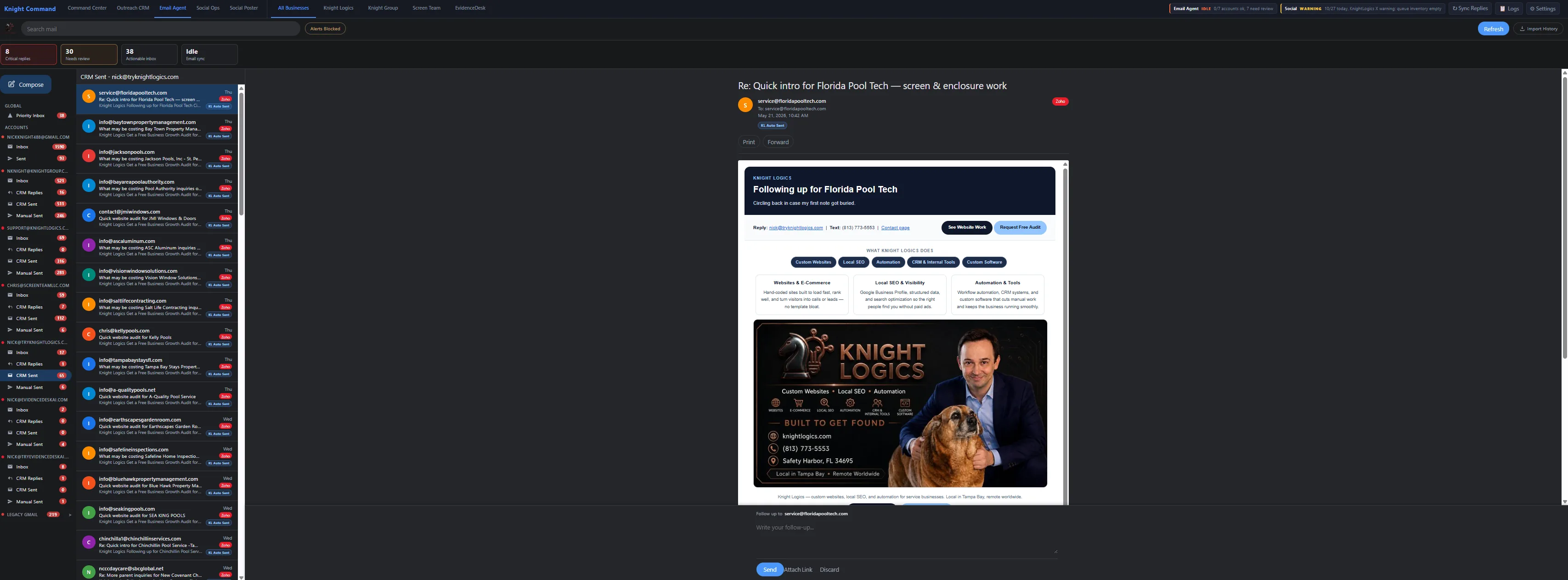
Email-Agent sits beside Outreach in Knight Command. Website form submissions and CRM replies fan out to brand-mapped inboxes — with optional auto-acknowledgements or push notify when a lead is still hot.

  1. Brand-mapped routing Form leads and CRM replies go to the right company mailbox (Gmail, Zoho, or Microsoft) — not one buried personal Gmail thread.
  2. Folders that match the work Inbox, Form Leads, CRM Replies, CRM Sent, and Manual Sent keep campaign mail separate from day-to-day ops.
  3. Speed options Optional after-hours auto-acknowledge, or push notifications so an operator replies while the prospect is still comparing vendors.
  4. Why it compounds Graded outreach + fast triage tends to become repeat-service customers — not one-off tire-kickers. Email-Agent page →

Autoplaying muted — use controls to unmute

Lane 3 — Referral network

Track partner leads, QR paths, and payouts in one dashboard

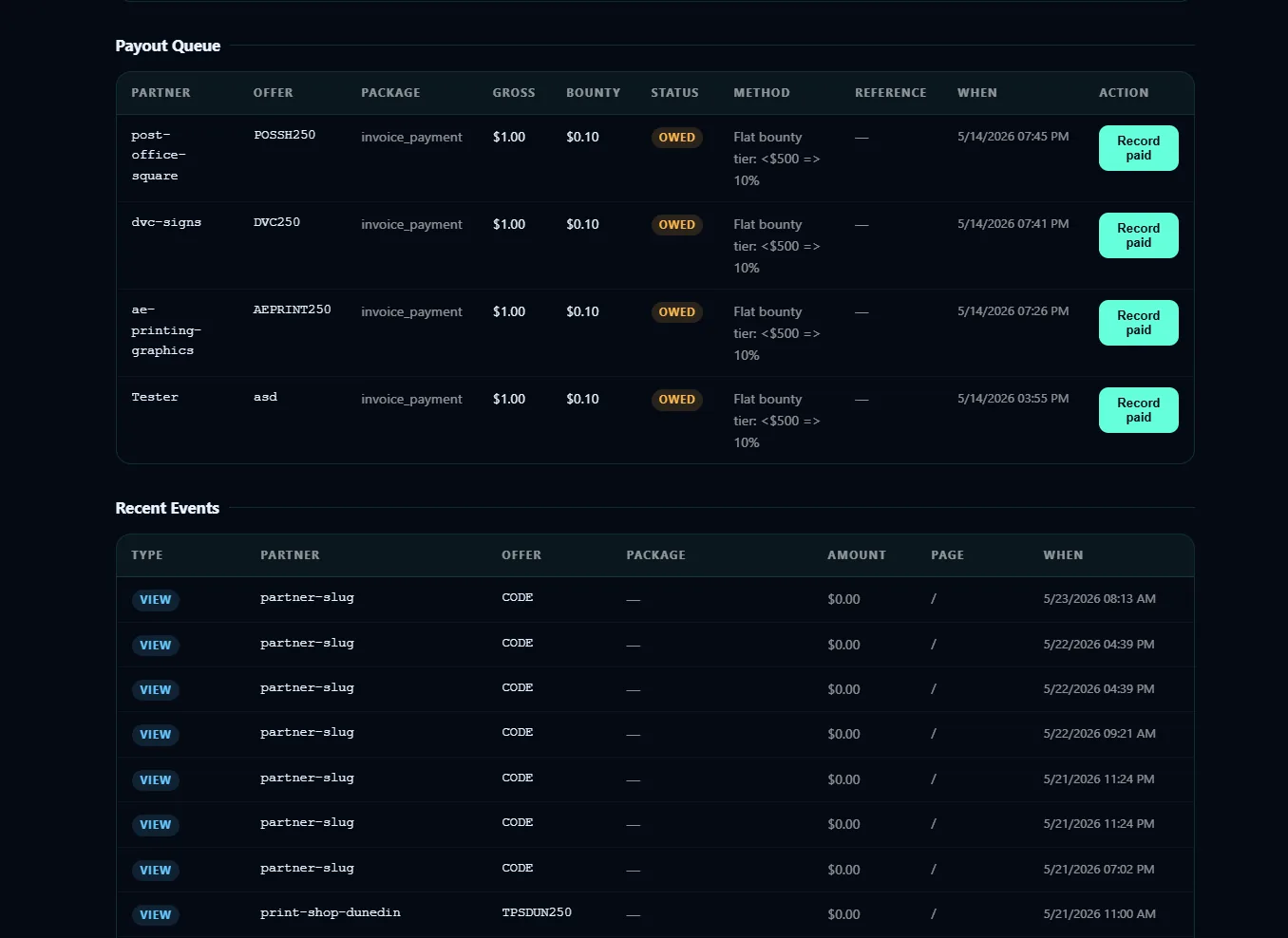
Referral tracking turns word-of-mouth into attributed pipeline — unique /ref/:partner links, QR brochure scans, and a partner dashboard that shows earned vs paid without spreadsheet disputes.

  1. Attribution paths Partner codes and QR brochures attribute form fills and consults to the right trade before anyone argues about who sent the job.
  2. Partner dashboard Lead status, attribution, and payout progress per partner — visible in Knight Command Referrals beside outreach and email.
  3. Settlement loop Neon Postgres events plus Stripe webhooks keep payouts tied to real booked work, not handshake promises. Referral systems →

Autoplaying muted — use controls to unmute

Lane 4 — Social automation

Queue posts across brands — and know when something fails

Social Poster (port 8501) is the scheduling queue your team actually opens: content per brand, posting windows, and last-success timestamps. Social Ops (8500) runs engagement sweeps — both embed in Knight Command beside CRM and Email.

  1. Per-brand queues KL, KG, ST, and faithworks stay isolated — credentials and content never cross accounts.
  2. API + browser runners X and Facebook post via API; LinkedIn and Nextdoor use Playwright where APIs fall short.
  3. GBP + site campaigns Google Business Profile posts schedule alongside site campaigns so map-pack messaging stays current.
  4. Visible failures Misses surface in the queue and Logs tab — not a silent week-long gap. Social automation →

Autoplaying muted — use controls to unmute

Lane 5 — Field dispatch

Mobile job photos → composites → gallery, social, and invoice

KG Dispatch (Handyman Ticket Manager) is the field ops layer behind Knight Group — crews upload before / process / after shots per scope; admins run Vendoroo intake, assign contractors, and close jobs into Stripe from dispatch.knightlogics.com.

  1. Scoped photo capture Before / process / after uploads per ticket — not a camera-roll dump. Completing a job exports proof automatically.
  2. Marketing without re-upload Branded composites publish to the website gallery and fan social-ready JPGs into the kg Social Poster queue.
  3. Close the money loop Weekly Stripe invoices, payment links, service-report PDFs, and contractor My Jobs views in one shell. Job workflows →

Autoplaying muted — use controls to unmute

What this includes

Built from live Knight Logics workflows — not generic agency checklists.

One ops shell — six production lanes

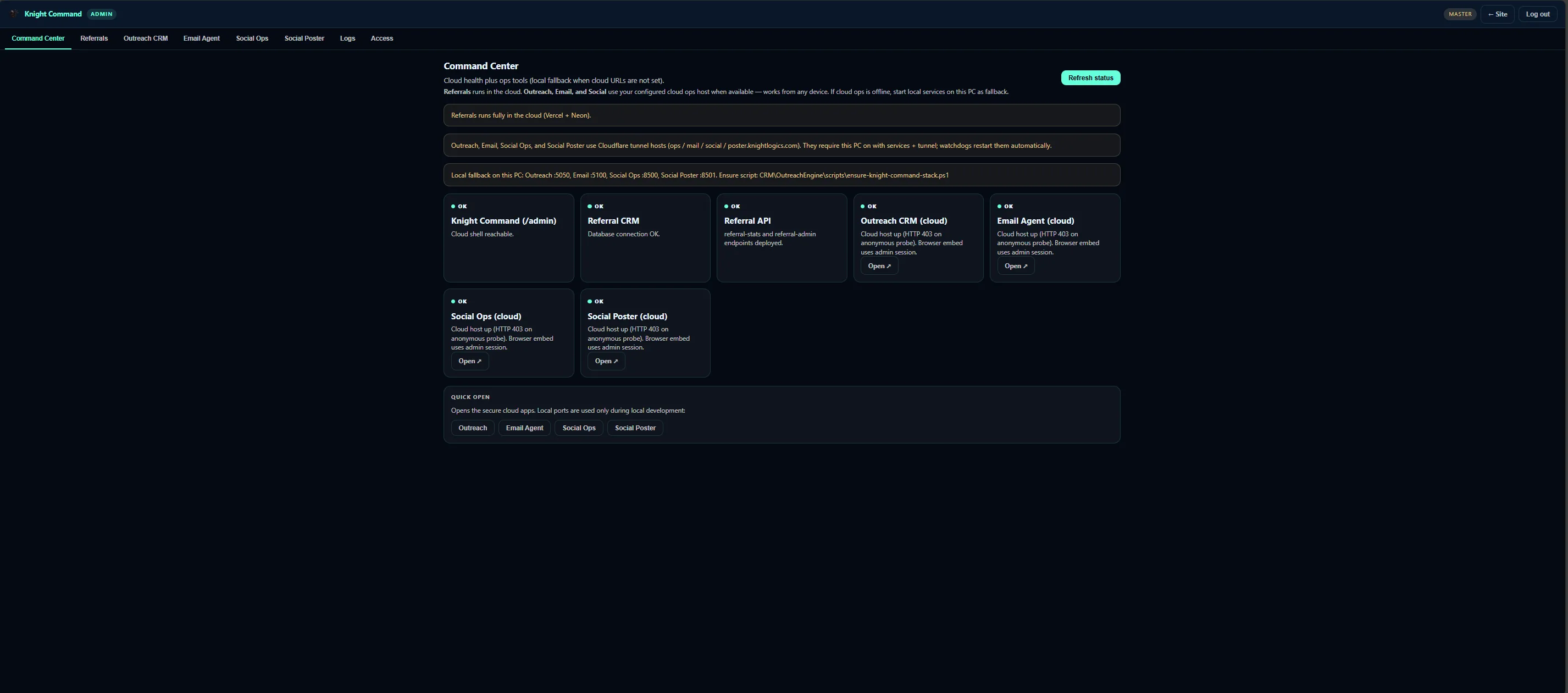
Knight Command embeds the same CRM, Email-Agent, referral, and social queues running on Screen Team, Faith Works, and Knight Group — not separate logins per tool.

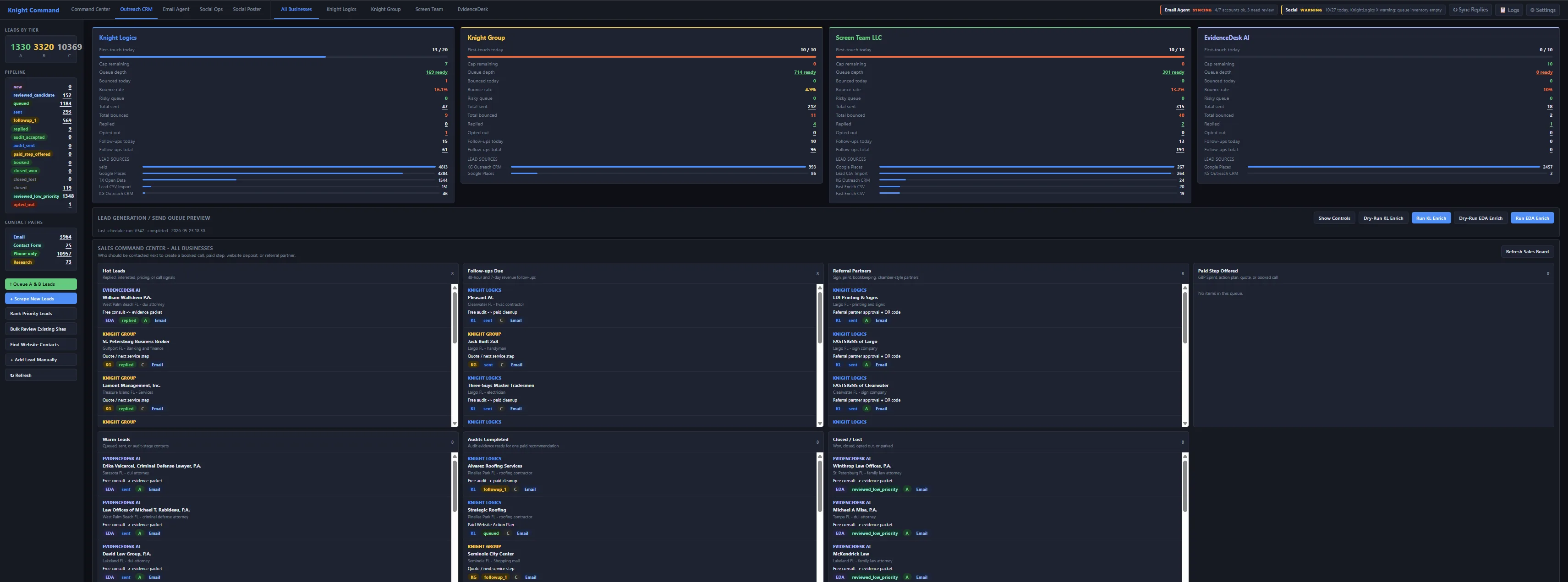
Knight Command admin shell with outreach, referrals, email, and social tabs

Ops hub Knight Command · one login

CRM, email, referrals, and social in one operator shell

Growth systems only work when your team opens them daily. Knight Command centralizes OutreachEngine, Email-Agent, referral dashboards, and Social Poster queues beside the same brand lanes you saw in the demo videos above.

  • Brand-isolated tabs for kl, kg, st, and faithworks lanes
  • Queue depth visible before send windows fire
  • Embeds production UIs — not screenshot mockups
OutreachEngine CRM queue with brand switcher and send caps

Lead lane OutreachEngine production UI

Segmented lists, daily caps, and reply routing on live brands

The CRM outreach video above runs on this stack — Flask + SQLite scheduler, bounce suppression, and Email-Agent crm_reply routing for Screen Team, Faith Works, and Knight Group campaigns.

  • first_touch and followup jobs with 20–40 send caps per lane
  • Preview queue depth before scheduler fires
  • Replies route to dedicated CRM views — not personal Gmail

How we build it

A clear path from intake to launch — scoped to what your team will actually use.

1

Strategy & business setup

Brand direction, domain, business email, phone/call tracking, and Google Business Profile planning — the operator foundation before design or outreach.

2

Audit & baseline

Website clarity, SEO gaps, GBP alignment, lead capture, and which automation lanes are worth wiring for how you actually sell.

3

Foundation launch

Site, schema, analytics, Search Console, and conversion paths go live — or GBP-first / launch-only if that is the right first step.

4

Systems wiring

CRM outreach, Email-Agent, social queues, referral tracking, and field dispatch connected only when your team will open them daily.

5

Reporting & iteration

Owner-readable queues and monthly review — prioritize next lanes from booked work and failures, not vanity traffic.

Outcomes we design for

What a connected growth stack is built to move — more qualified leads, faster follow-up, repeat work, and numbers you can actually check.

More leads that fit

Local SEO, graded outreach lists, and referral lanes bring estimate-ready prospects — property managers, complementary trades, and homeowners searching your services — not random spam.

Fewer lost leads

Website forms and CRM replies route into Email-Agent with notifications or auto-acknowledgements — so nothing sits in a personal inbox until tomorrow.

Faster first response

High-fit outreach replies surface in crm_reply queues while the lead is still comparing vendors — speed wins estimate-first trades.

Repeat-service customers

Graded targeting and fast follow-up attract accounts that buy ongoing work; dispatch and invoicing keep them in your system after the first job.

Marketing from field work

Before/process/after photos become gallery pages and social posts automatically — proof content without a second upload step.

Attribution you can defend

Referral partners, outreach lists, GBP posts, and form fills tie back to consults and booked jobs — not vanity traffic with no source.

Related proof & examples

Live client sites across Tampa Bay — full growth systems and focused launches — not only the flagship stack.

Common questions

Is this a website package or a full operations build?

It is a connected growth system — not a brochure site with a logo swap. The website and local SEO are the foundation; CRM outreach, Email-Agent, social queues, referral tracking, and field dispatch are lanes we add only when your team will actually open them. You can start with launch + website, then phase in outbound, inbox routing, social, and ops.

What does “business development” include before the website?

For new or rebranding companies we cover the basics operators need to look real: brand direction, domain, business email, phone/call tracking, Google Business Profile setup, analytics, and lead capture. That launch path is documented on Starting a New Business — growth systems plug into that foundation instead of leaving you with a pretty site and no inbox.

How does lead generation and grading work?

OutreachEngine builds and scores local lists by niche, geography, and brand-lane fit (property managers, complementary trades, HOAs, estimate-first businesses). High-fit accounts get priority inside daily send caps so you do not burn domain reputation on low-quality blasts. Replies route into Email-Agent crm_reply views for triage and booking.

What does Email-Agent do with forms and CRM replies?

Website form submissions and outreach replies fan out to the right brand inboxes — not one buried personal Gmail thread. You can enable automated acknowledgements for after-hours coverage, or notifications so someone answers while the lead is still hot. crm_reply and lead views keep marketing conversations separate from day-to-day mail.

Do you replace our existing CRM?

Often we extend what you already pay for, or replace lightweight CRM gaps with OutreachEngine plus Email-Agent routing. We map current tools, inboxes, and follow-up habits before recommending a swap — the goal is queues your team will open daily, not another unused SaaS seat.

What is Knight Command?

Knight Command is the authenticated /admin shell that embeds live services in one login: Command Center, Referrals, Outreach CRM, Email Agent, Social Ops, Social Poster, and Logs. Each tab points at the real service (referral stack, Email-Agent, Social Poster, etc.) so operators stop jumping between five bookmarks.

How do social posts and job photos connect?

Social Poster queues multi-brand content with API and Playwright runners and failure reporting. On the field side, KG Dispatch (Handyman Ticket Manager) captures before / process / after photos per job; a marketing worker builds branded composites, publishes to the website gallery, and hands social-ready assets to the brand queue — so completed work becomes proof without a second upload process.

How does the Tampa Bay trade partner network fit in?

After a partner has a credible owned presence, we publish a case study when ready, assign a referral lane, and co-market with complementary trades through tracked QR paths and /ref/:partner attribution. Partners see earned vs paid status in the referral dashboard instead of spreadsheet arguments.

How long until systems are live, and how is work phased?

Foundation sites typically launch in weeks with schema, analytics, Search Console, and conversion paths. Outreach, Email-Agent, social, referral, and dispatch lanes follow in milestones so your team is not trained on five tools on day one. Scope is written per lane — website-only, outbound, automation, field ops, or full stack — with pricing tied to what you adopt.

Who is this for, and who should wait?

Best fit is estimate-first local service companies ready to invest in systems — trades and home services that need more than a redesign. If you only need a brochure site, start with websites or a growth audit. If you will not answer outreach replies or open a dispatch board, we will not sell those lanes yet.

Scoped by lane — website-only, outreach, automation, or full growth system. See pricing or book a consult for a written estimate.

Ready to plan your growth system?

Tell us what is broken, what you are trying to grow, and which tools you already use. We will recommend the leanest path forward.

Book a Free Consultation